

The tester course
Every mini module gets a tester course when its build finishes. It is named after the simulation with - testing on the end and lives under Courses like any other course. Testers are whoever is assigned that course.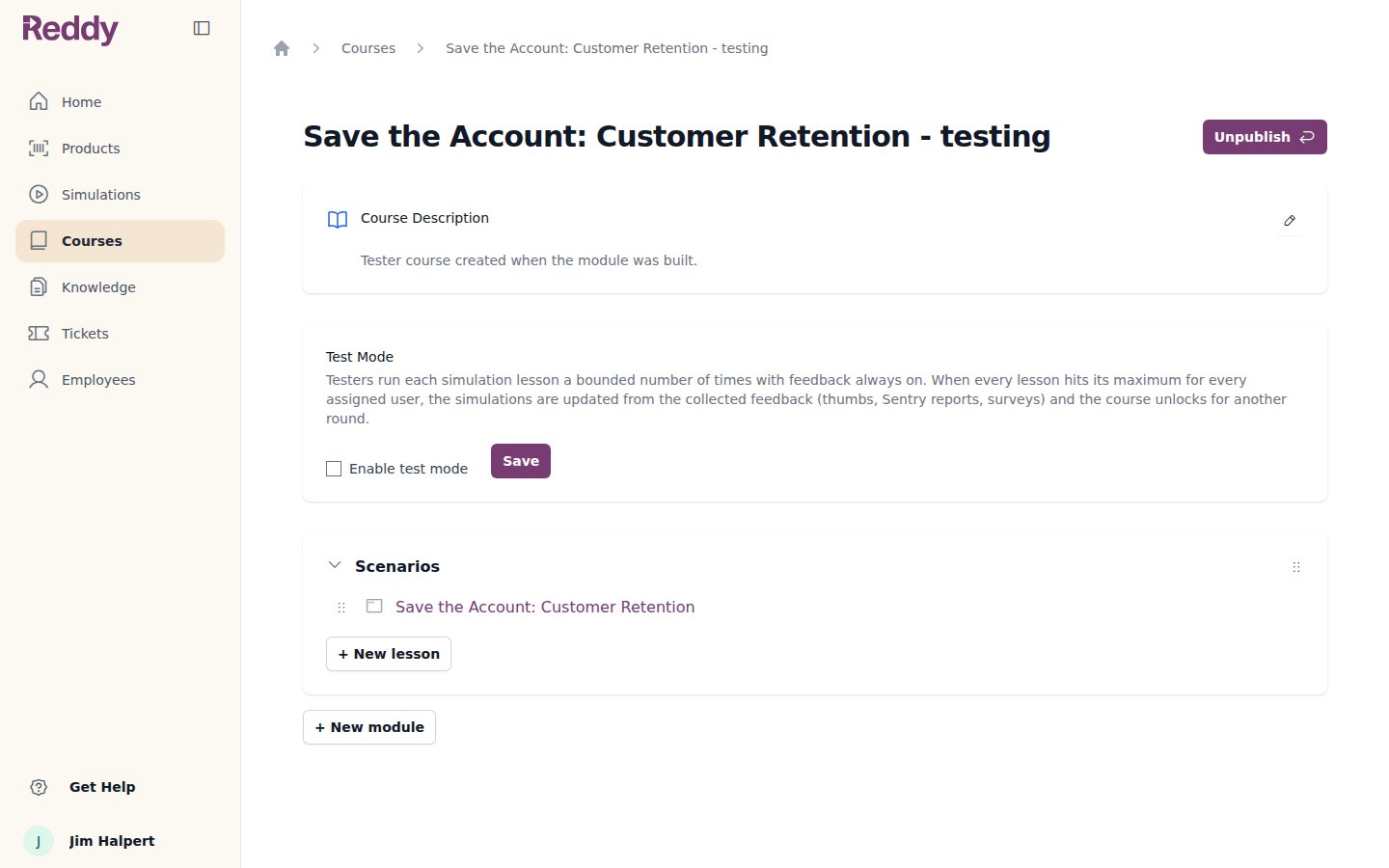
Assigning testers
1
Open the tester's profile
Go to Employees and click the person’s name. Their side panel opens.
2
Add the tester course
Under Courses, pick the simulation’s tester course. The assignment saves straight away and the tester is notified.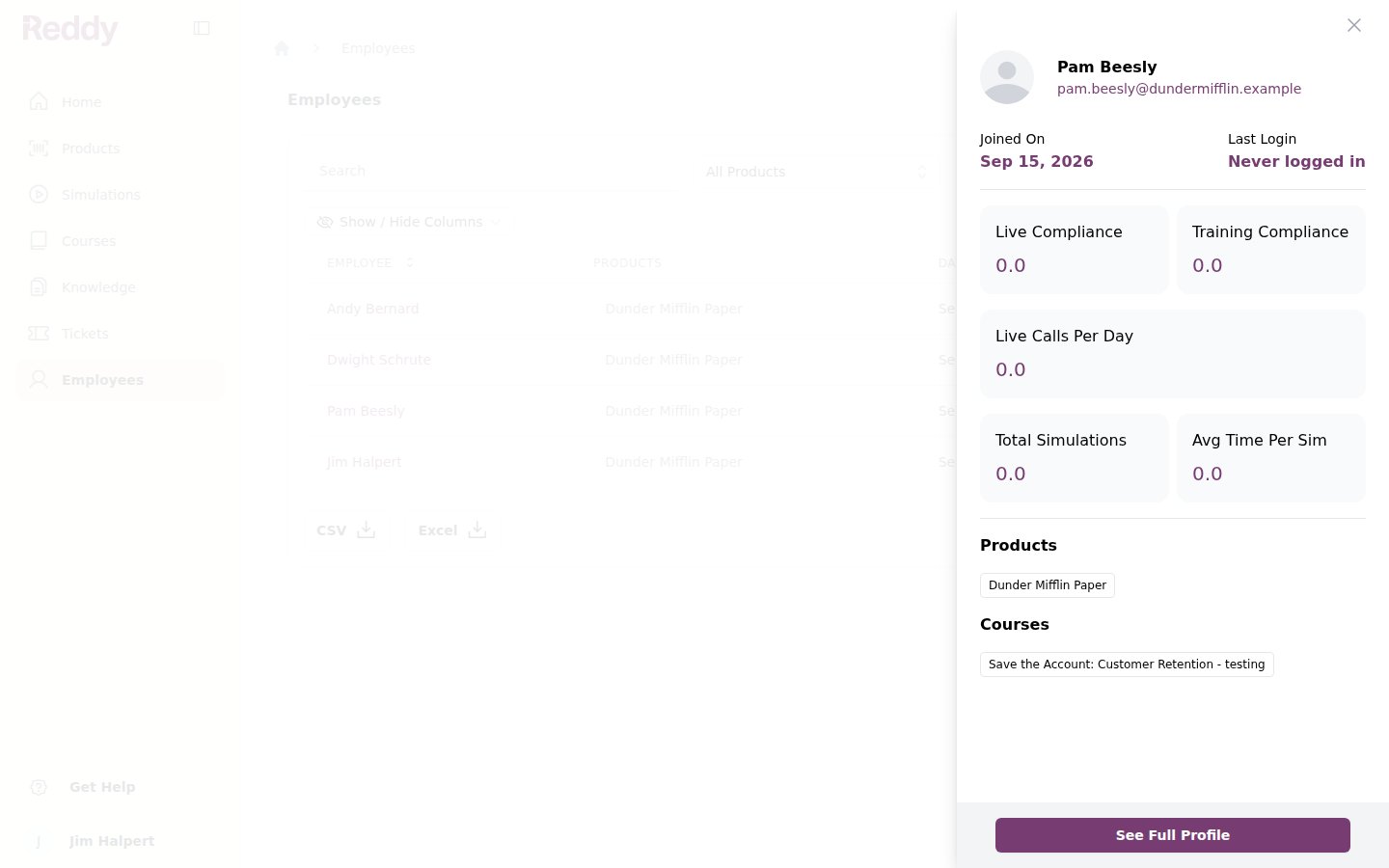
A tester needs the simulation’s product on their profile as well as the course. Product access is set in the same panel under Products. See Assigning Products and Managers.
What testers see
The tester course appears on the tester’s dashboard marked Test mode, with the acceptance rule for the round: play at least the minimum number of times, up to the maximum.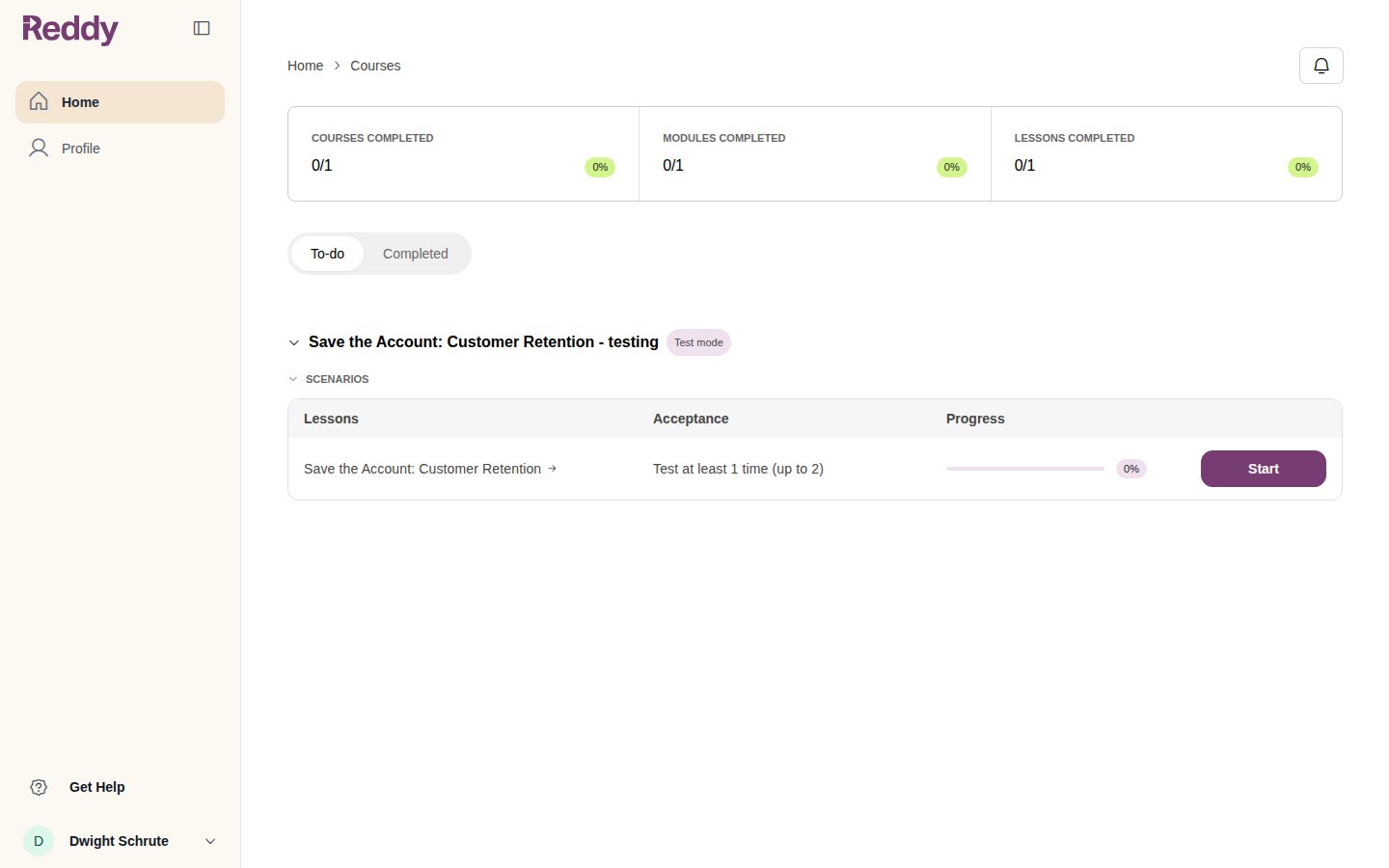
Runs, deadlines and reminders
These live on the Settings tab of the Simulations area. Runs per tester and approvers are per simulation; deadlines and reminders apply to every tester.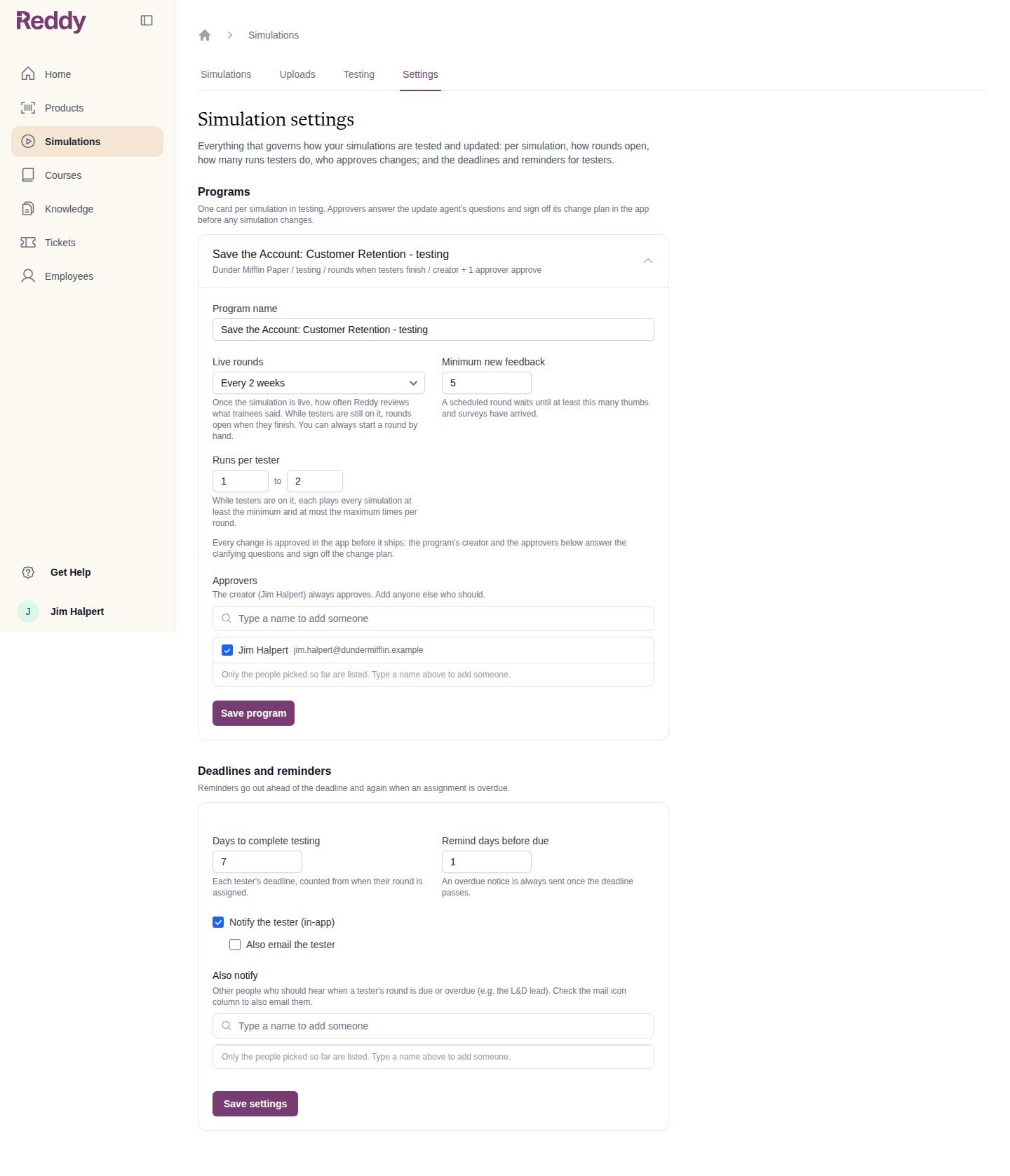
Following a round
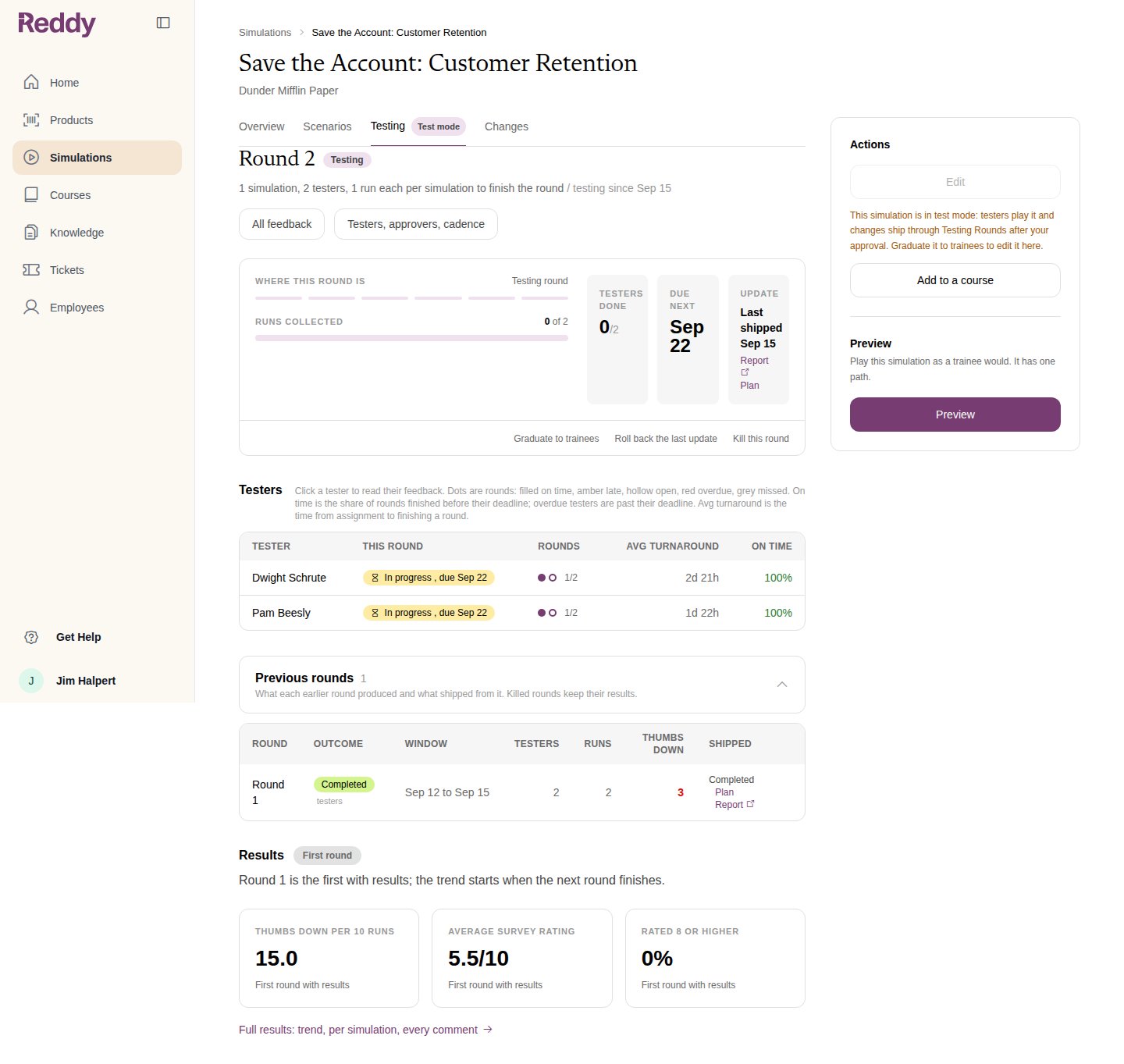
Open the simulation and click Testing. The round card shows where the round is, runs collected, testers done, the next deadline and the last update that shipped.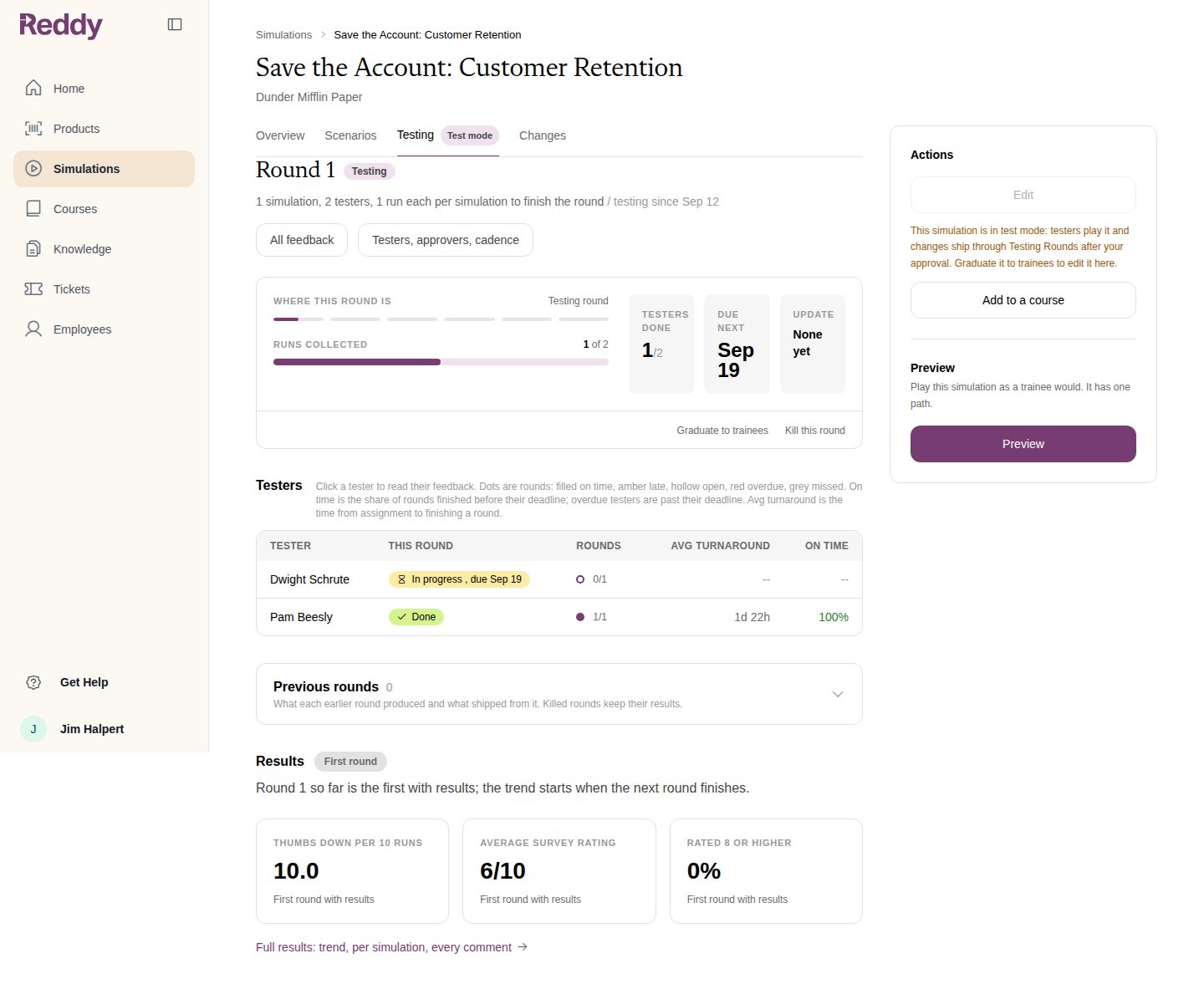
Click a tester to read their feedback. Previous rounds keeps every earlier round with its window, testers, runs, thumbs down and what shipped from it.
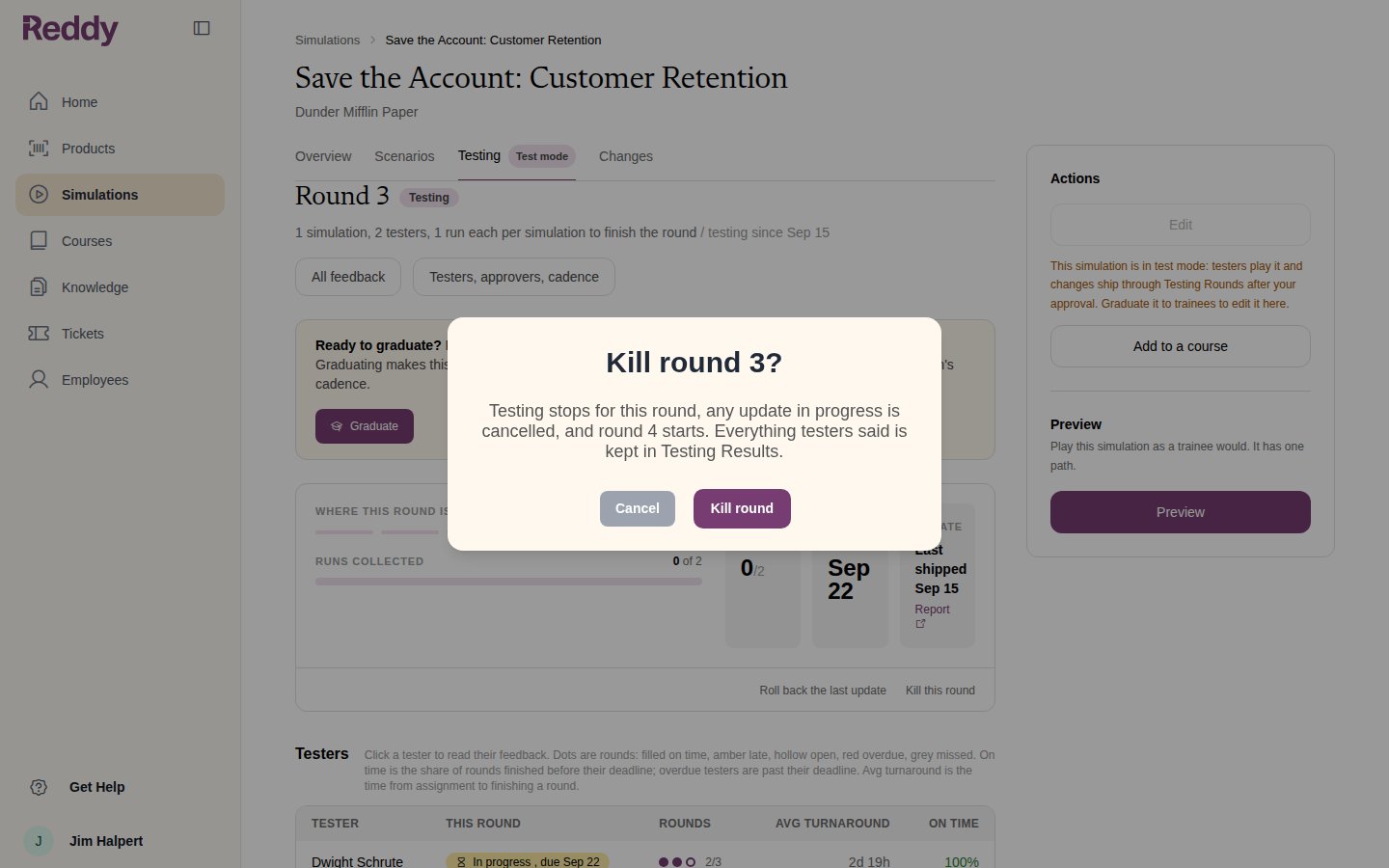
Managing a round
Each one asks you to confirm first.
FAQ
How many testers do I need?
How many testers do I need?
There is no minimum. A round closes when every assigned tester has met the minimum runs, so a round with one tester closes after one run. Two or three testers give Reddy more to read.
A tester left the company. Is the round stuck?
A tester left the company. Is the round stuck?
No. Deactivated users drop out of the round. If a tester is still active but never plays, kill the round or remove the course from their profile.
Can I test a simulation Reddy built for us?
Can I test a simulation Reddy built for us?
Yes. Make a course with the simulation as a lesson, tick Enable test mode on the course, and assign testers. It gets a Testing tab and rounds like a mini module.
Why can a tester not open the lesson?
Why can a tester not open the lesson?
Either they have reached the maximum runs for this round, or an update is shipping. The lesson unlocks when the next round opens.