

When to graduate
When a round finishes with every survey rated 8 or higher and no thumbs down, the Testing tab suggests it. Graduate to trainees is also always available on the round card for approvers, so you can graduate whenever you are satisfied.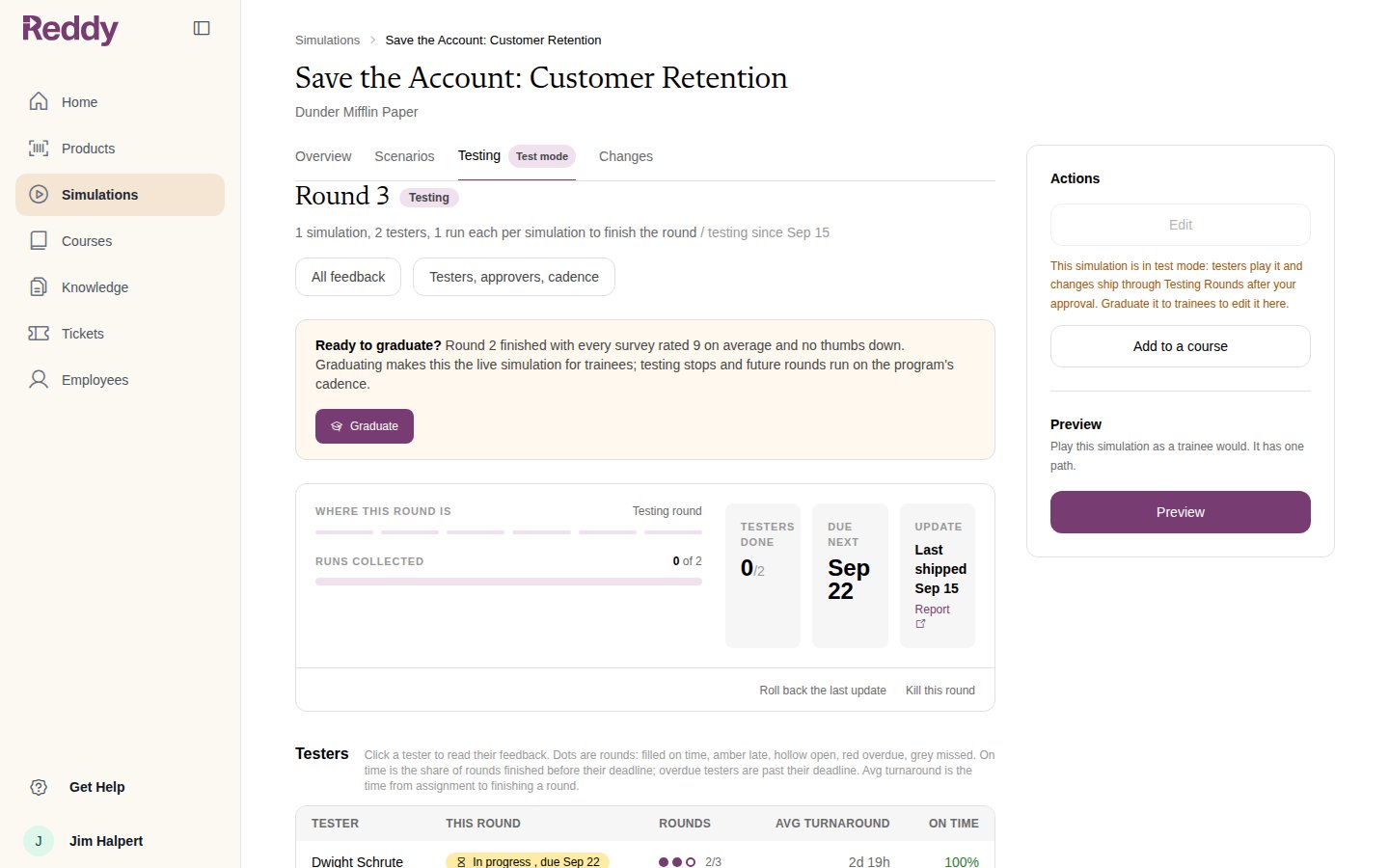
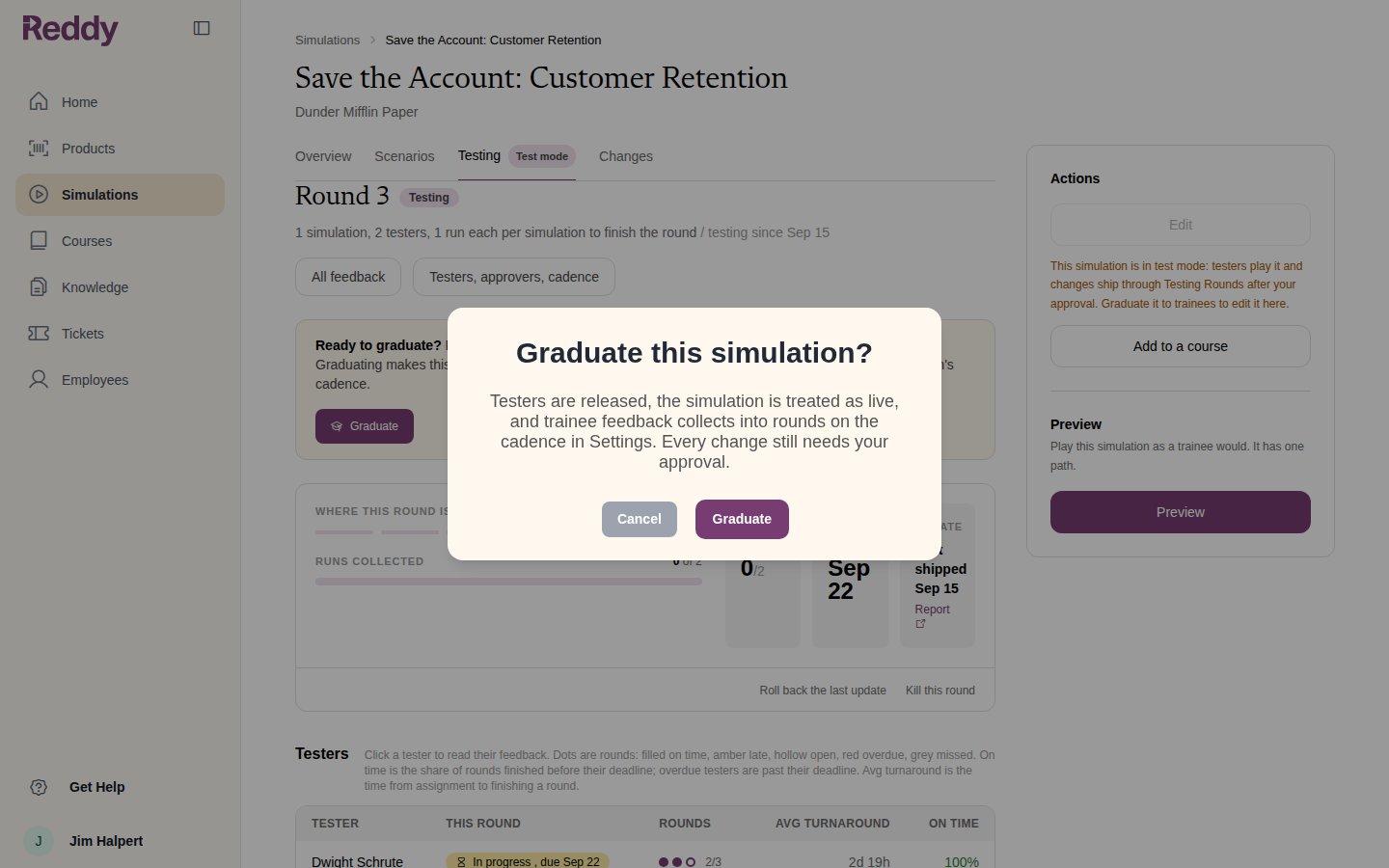
- releases the testers and retires the simulation’s lesson in the tester course
- marks the simulation Live on its page and in the Simulations list
- starts collecting trainee feedback into rounds on the cadence in Settings
- re-enables Edit on the simulation’s page
Live rounds
In the live phase the round card counts trainee feedback since the last update, wherever trainees play the simulation from.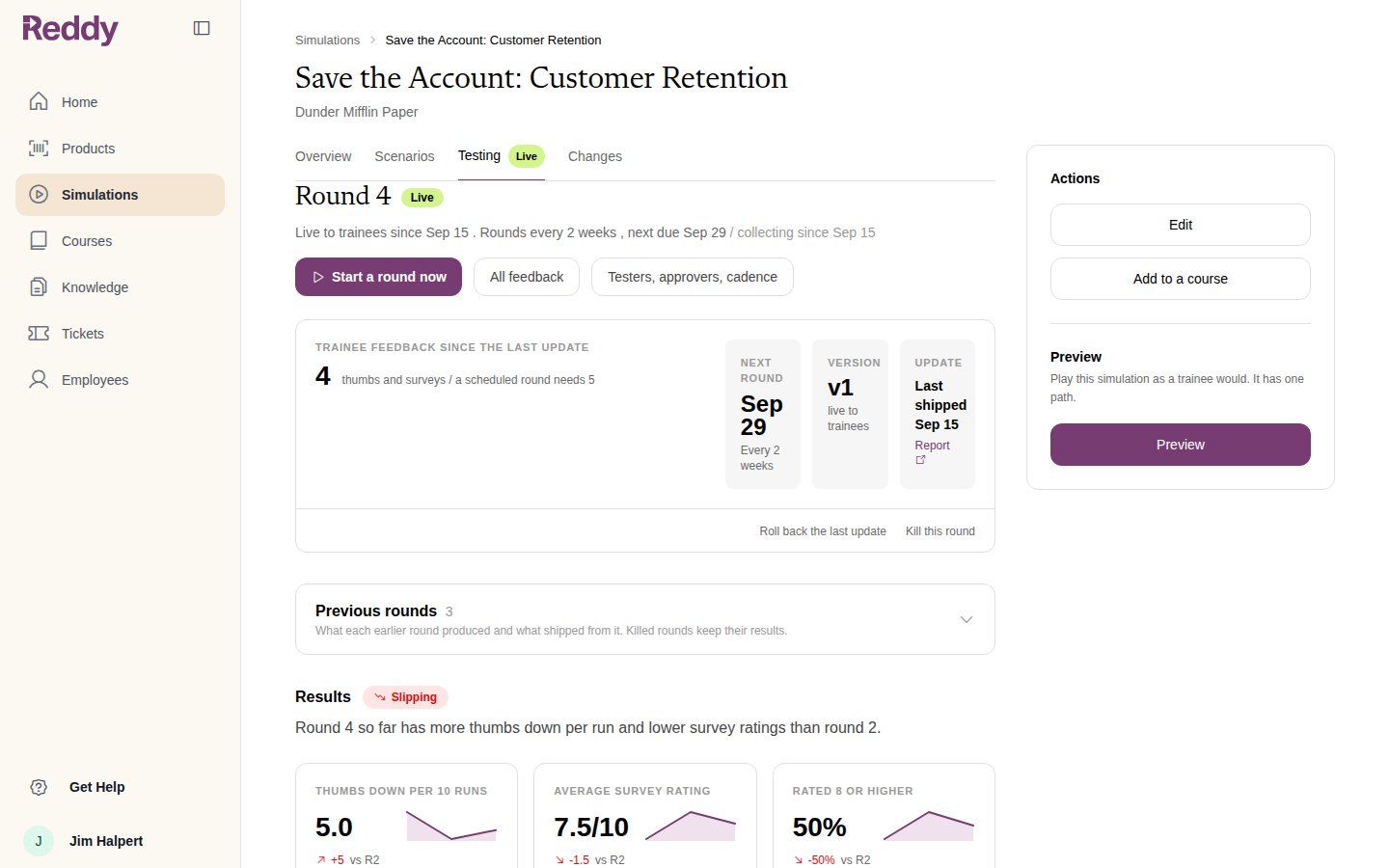
- On the cadence set under Live rounds in Settings (every 2 weeks or monthly), once at least the Minimum new feedback has arrived
- Start a round now on the round card, at any time
Editing a live simulation
Once live, Edit on the simulation’s page opens the edit wizard again. An edit that ships closes the current trainee round and opens the next one on the new version, so what trainees play next is what you just changed. See Mini Module Builder.FAQ
Can I graduate without a testing round?
Can I graduate without a testing round?
Yes. Graduate to trainees is available as soon as the module is built. Nothing has to pass first.
What happens to the tester course?
What happens to the tester course?
Its lesson is retired so the course no longer counts as using the simulation. Testers can be removed from it, or left on it; they are not sent new rounds.
Can I go back to testing after graduating?
Can I go back to testing after graduating?
Make a course with the simulation as a lesson, tick Enable test mode on it, and assign testers. See Testers and Rounds.
What does Manual only mean under Live rounds?
What does Manual only mean under Live rounds?
Reddy never opens a live round on its own. Use Start a round now when you want trainee feedback reviewed.