

Rolling back is an approver action. It is available on the newest version only, when no update or edit is in flight and the last change was not itself a rollback.
Starting a rollback
The Roll back this update button sits on the newest version on the Changes tab. The same action is on the Testing tab’s round card as Roll back the last update.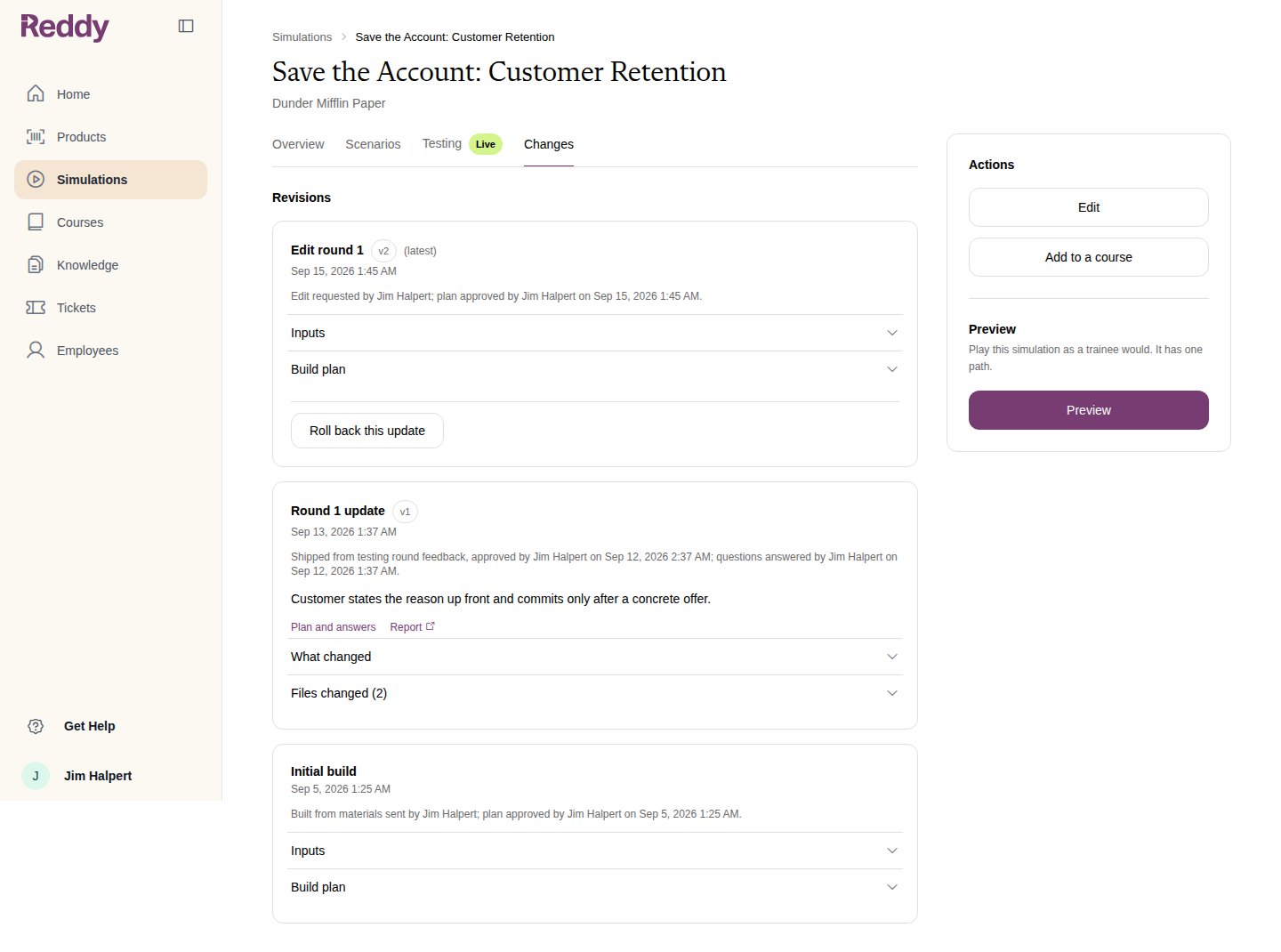
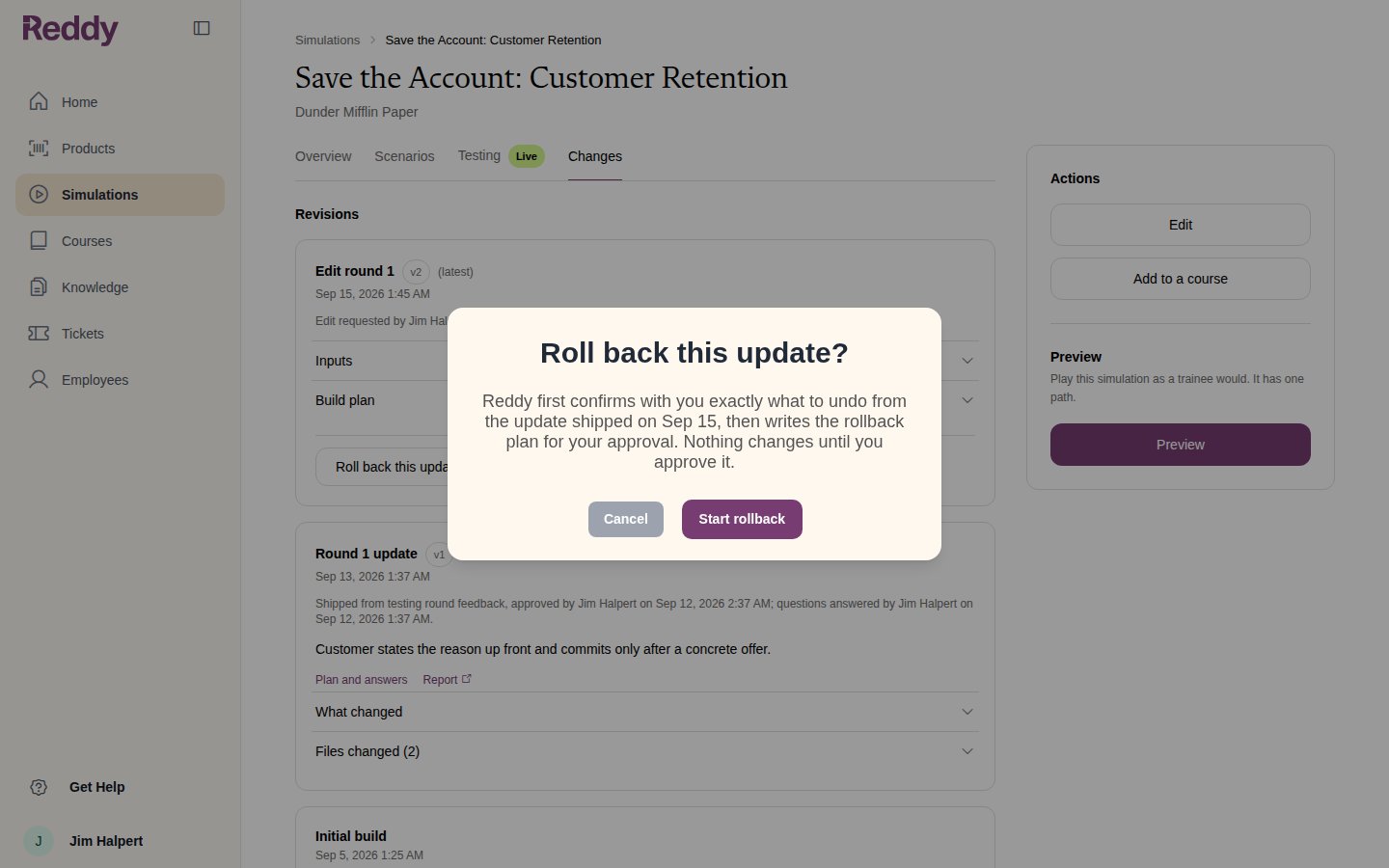
Confirming what to undo
Reddy opens a review of the change, the same way it reviews a testing round. On the Feedback page, What Reddy thinks you want undone lists each part of the change it can take back. Click Answer the questions to go on.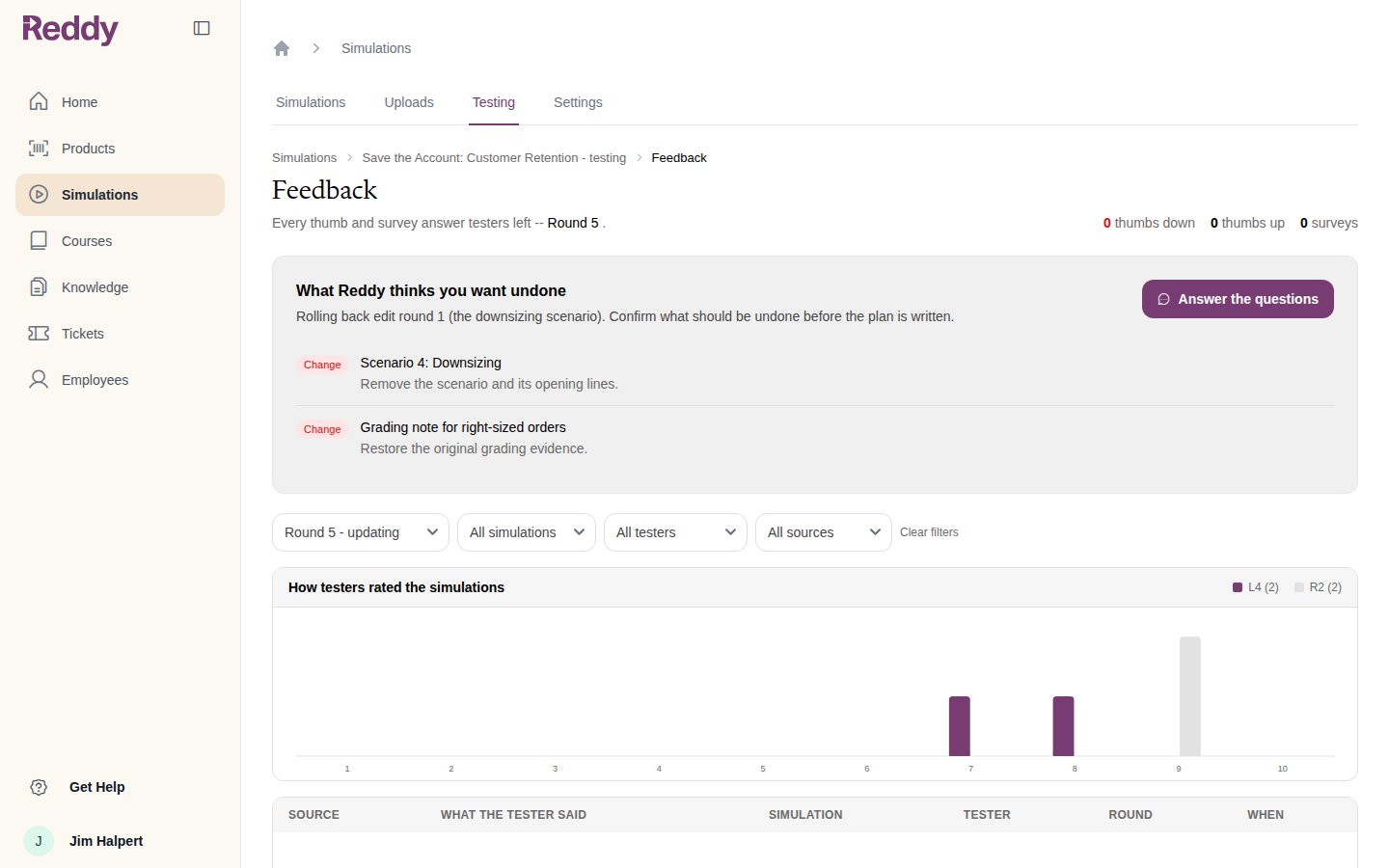
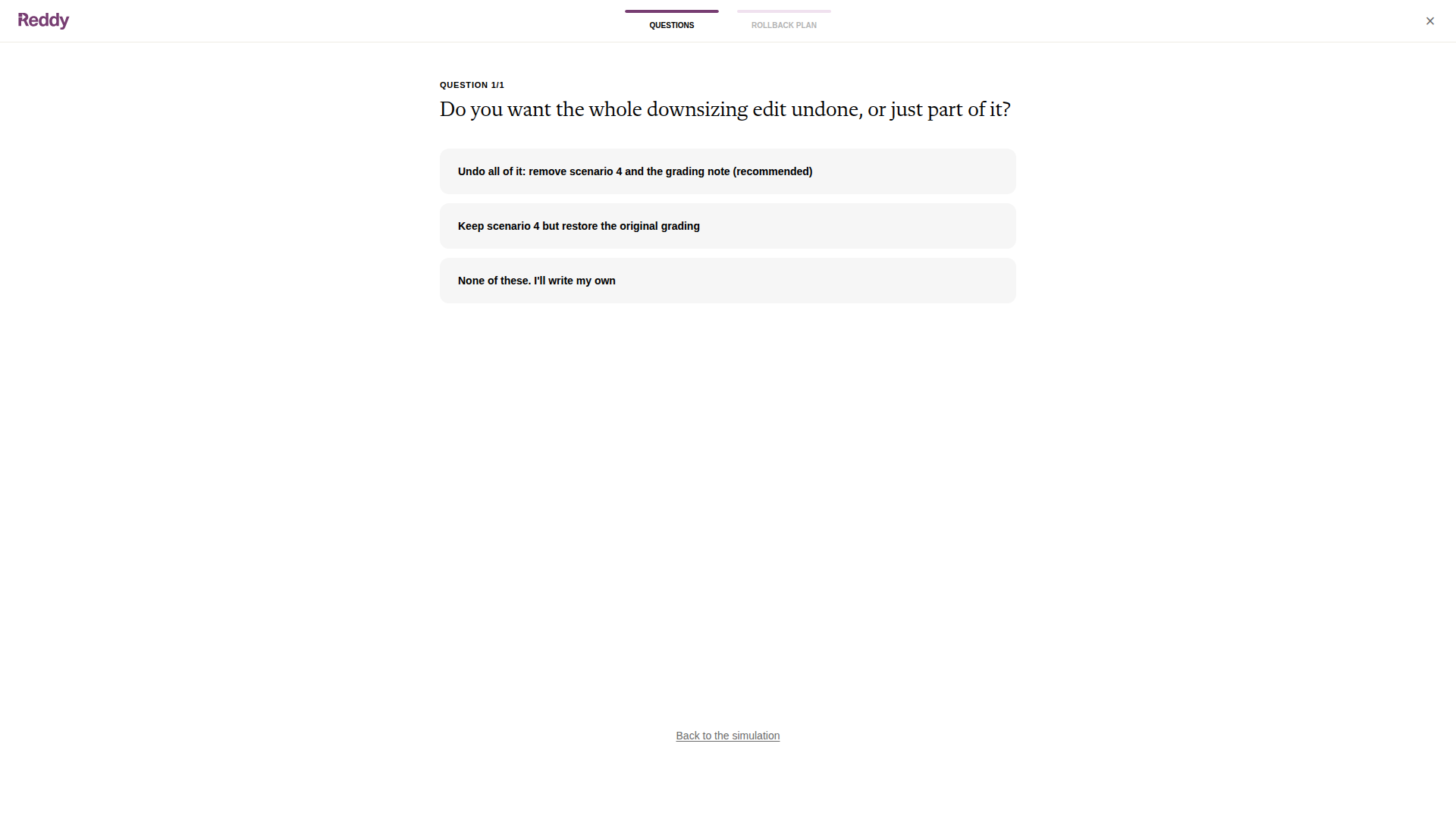
Approving the rollback plan
The rollback plan spells out what goes back, what stays, and what happens after it ships. Request changes if it is not quite right, or Apply rollback.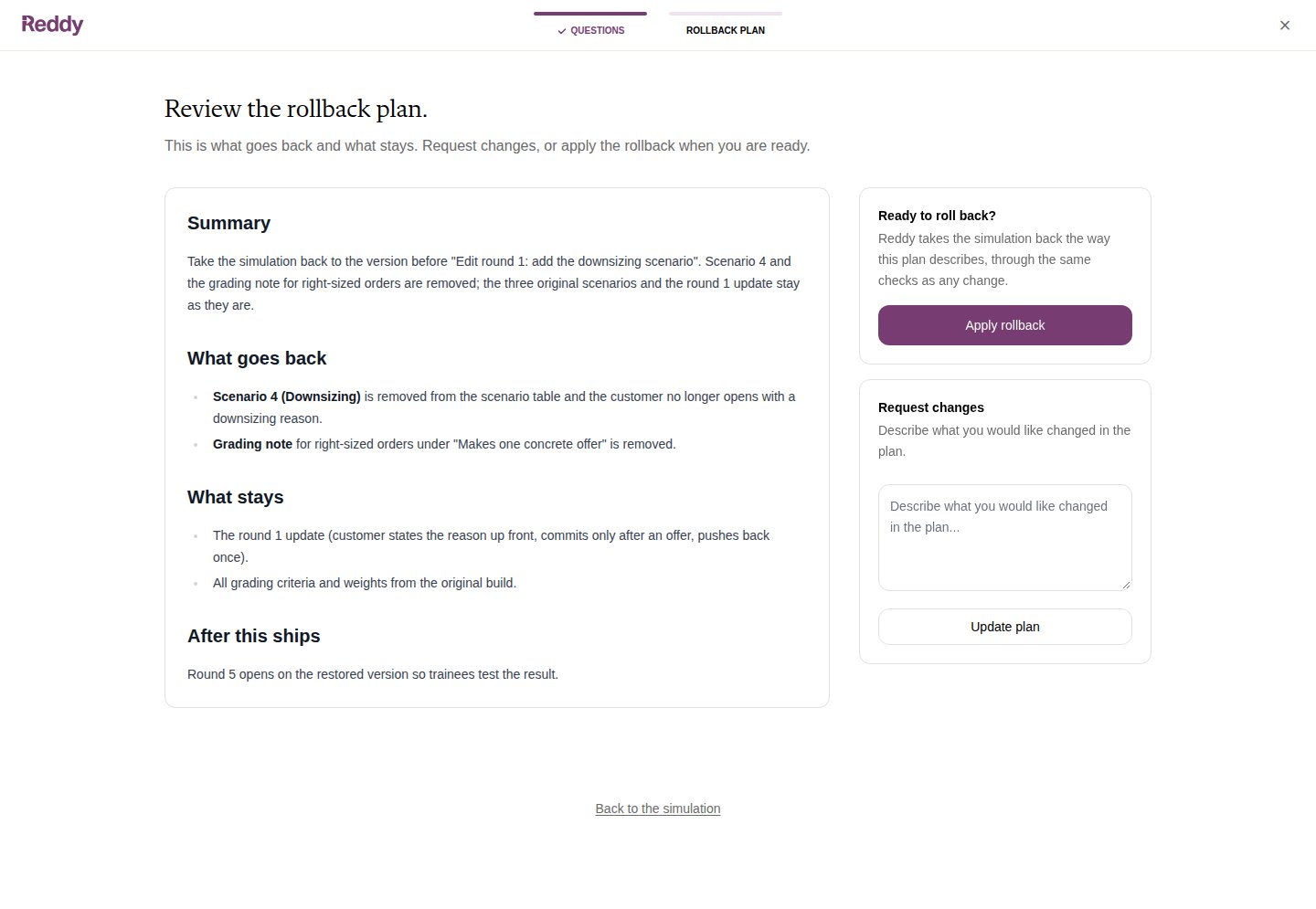
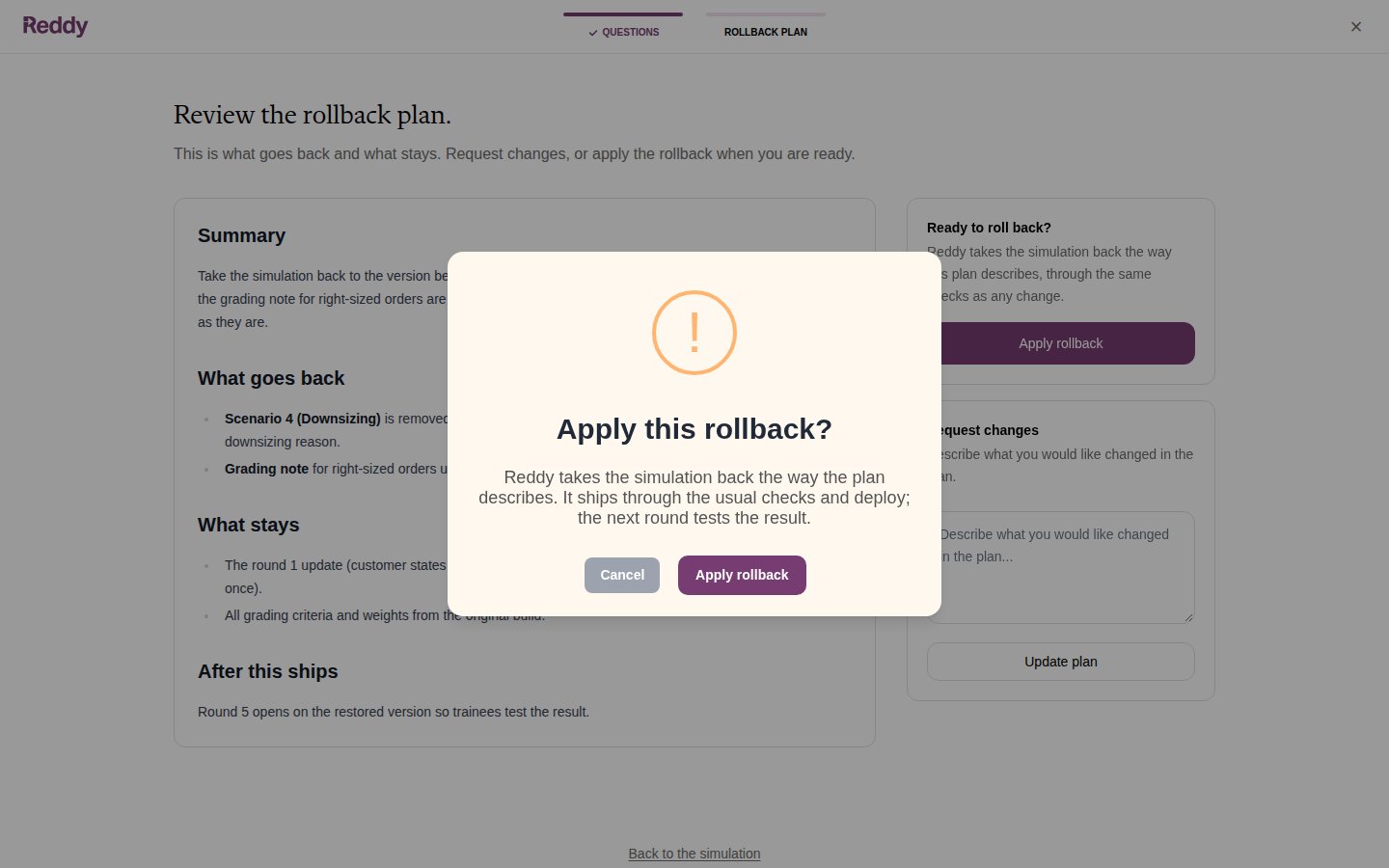
After the rollback
The rollback is a version of its own on the Changes tab, with its audit line, plan, report and files changed. The version number goes up, not down: the history keeps every step. See Versions and Audit Trail.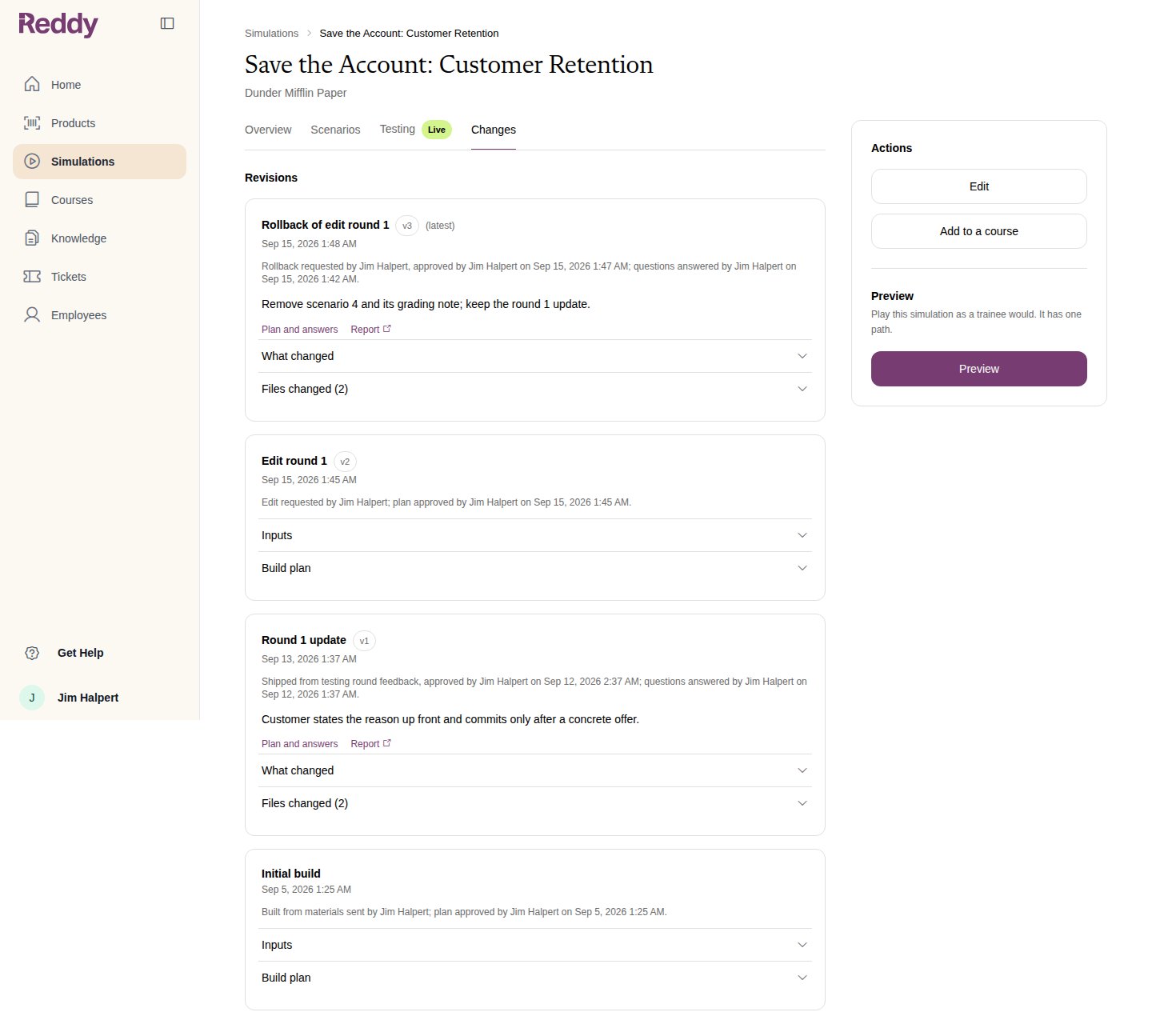
FAQ
Can I roll back further than one version?
Can I roll back further than one version?
One step at a time. Rolling back undoes the newest change. To go further, make the next change an edit that describes the state you want; Reddy treats it like any other edit.
Does a rollback restore the grading too?
Does a rollback restore the grading too?
Yes. The grading rules of the version you are going back to come back with it.
Do I need to test after a rollback?
Do I need to test after a rollback?
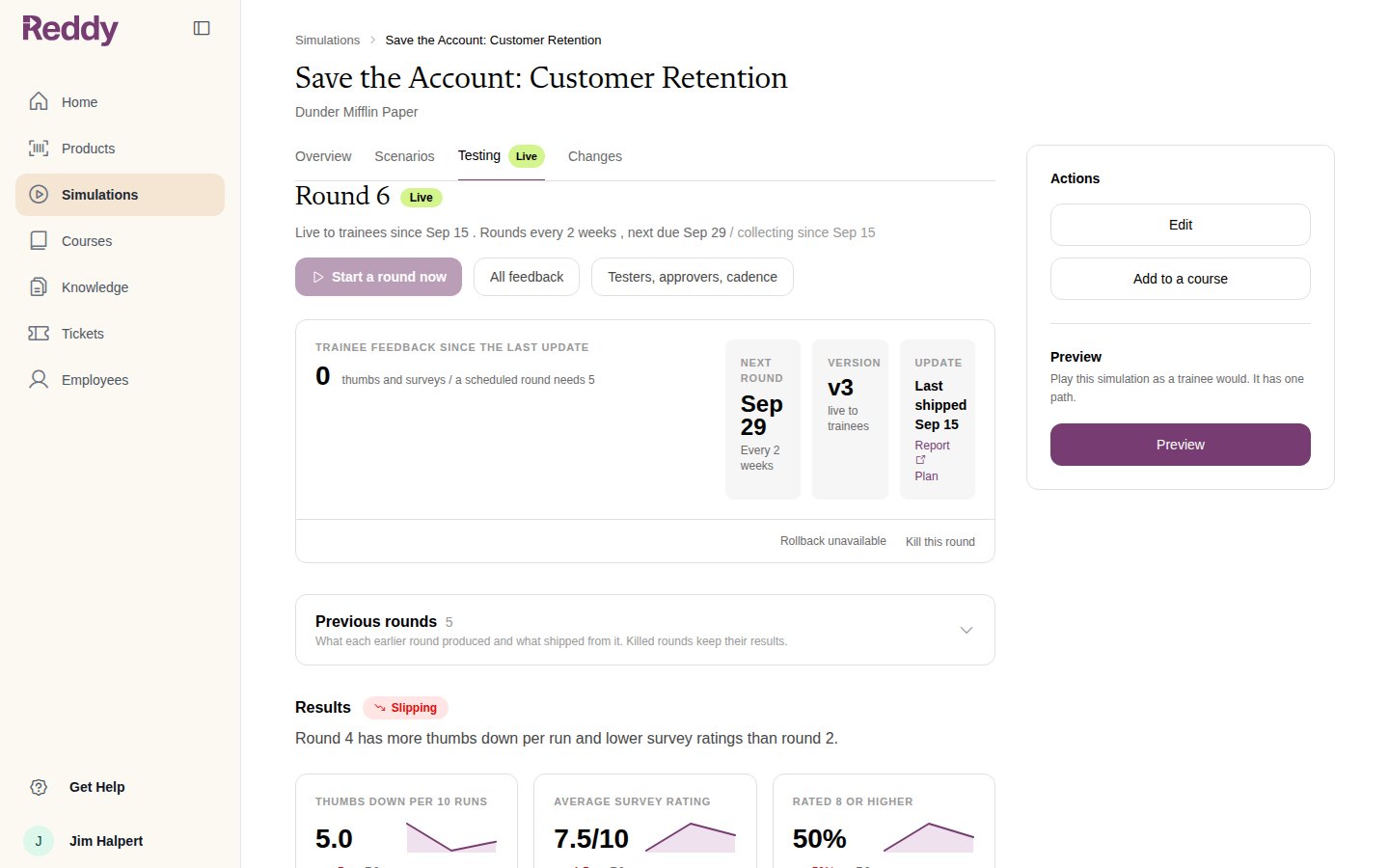
Yes. A rollback is a change like any other, so the next round opens on the restored version and testers or trainees play it before anything else ships.