

Requesting a simulation
1
Create a new simulation
From Simulations, click Create new simulation. Enter a Training Name, pick the Product, and choose Systems Simulation as the type. Optionally add a Call type, the reason for the call as the Simulations list will show it. Click Create.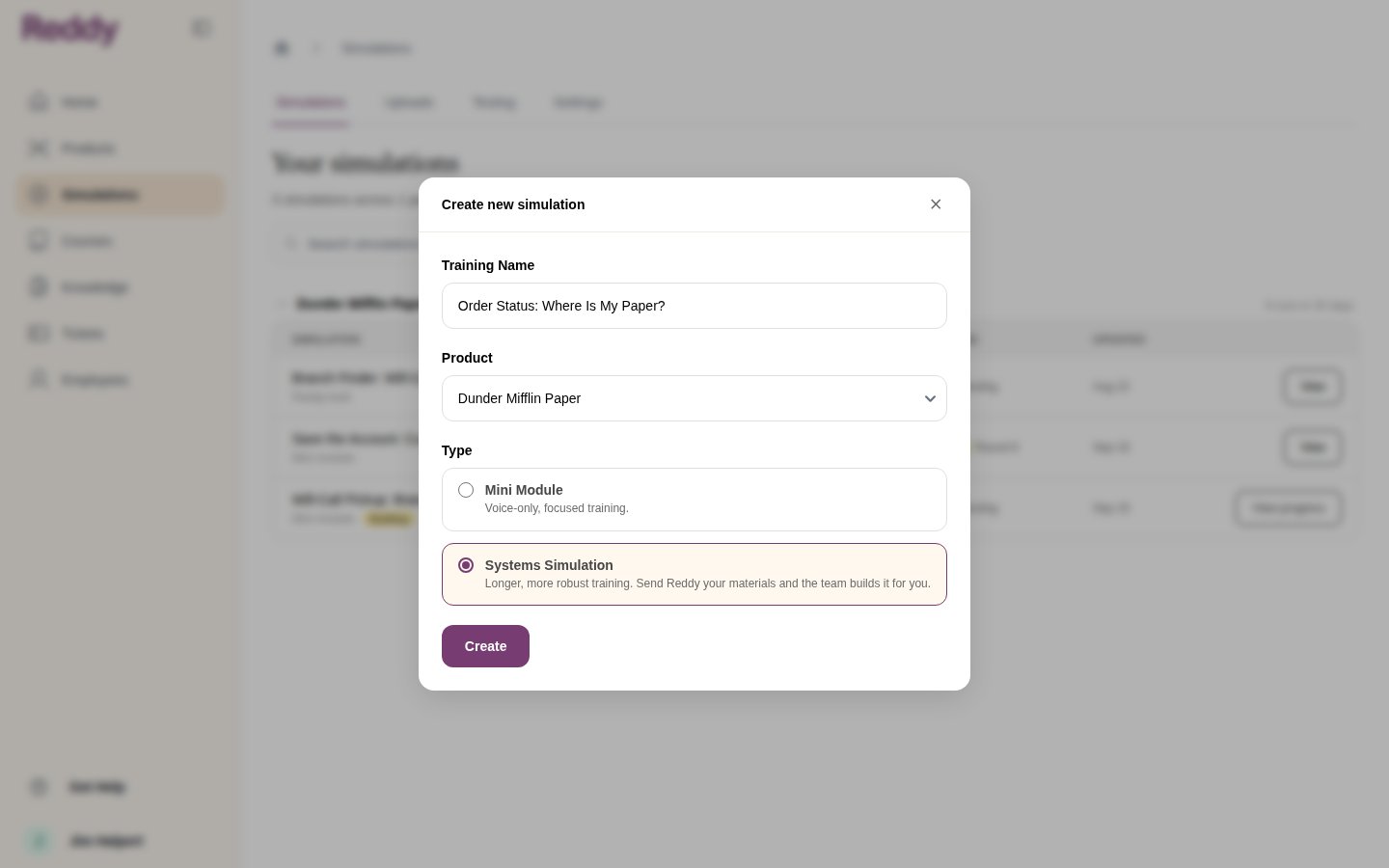
2
Send Reddy your materials
Drop in call recordings, transcripts, process docs, screenshots, spreadsheets: anything that shows what a great call looks like. Files can be up to 2 GB each, so full screen recordings and long call audio are fine.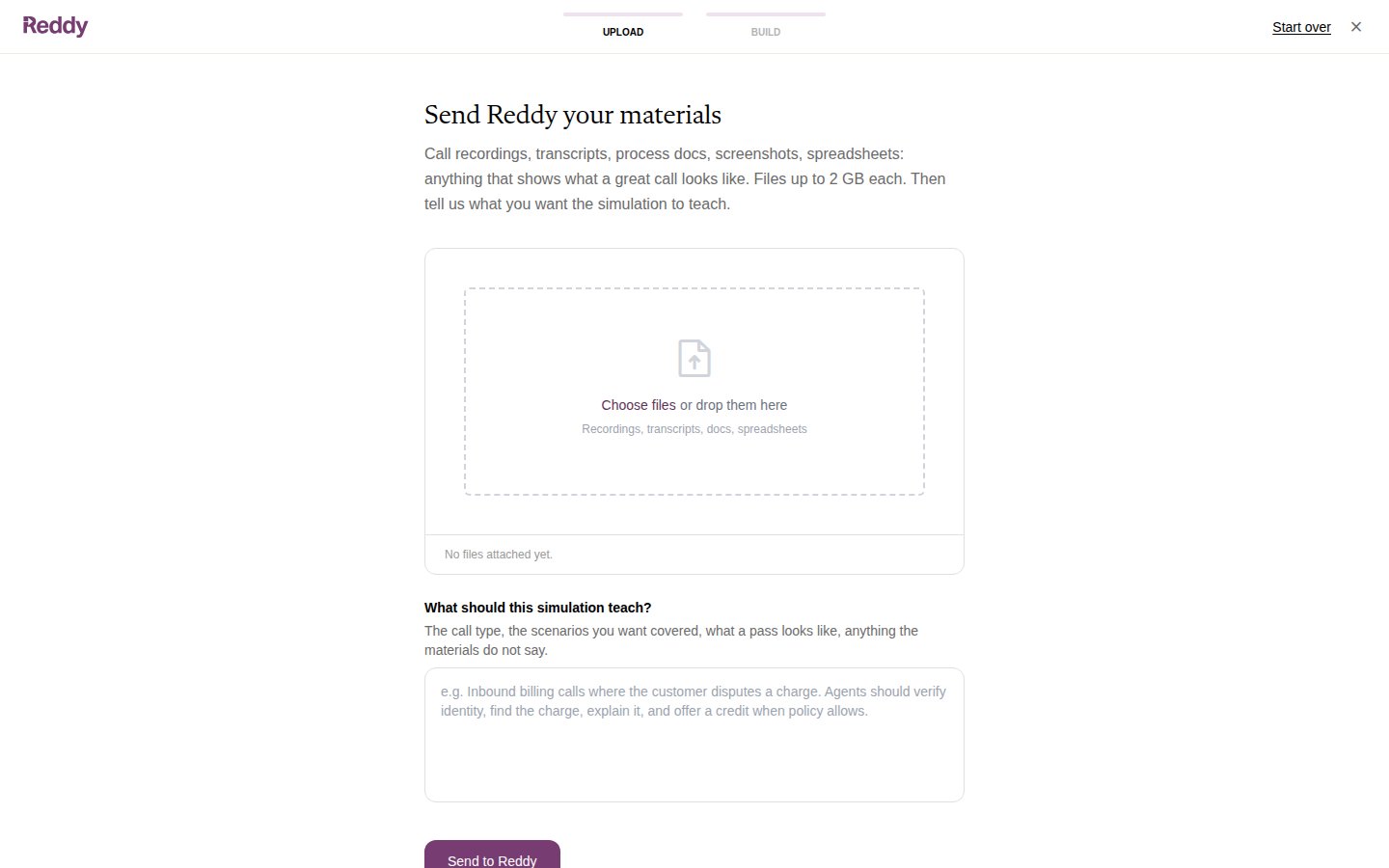
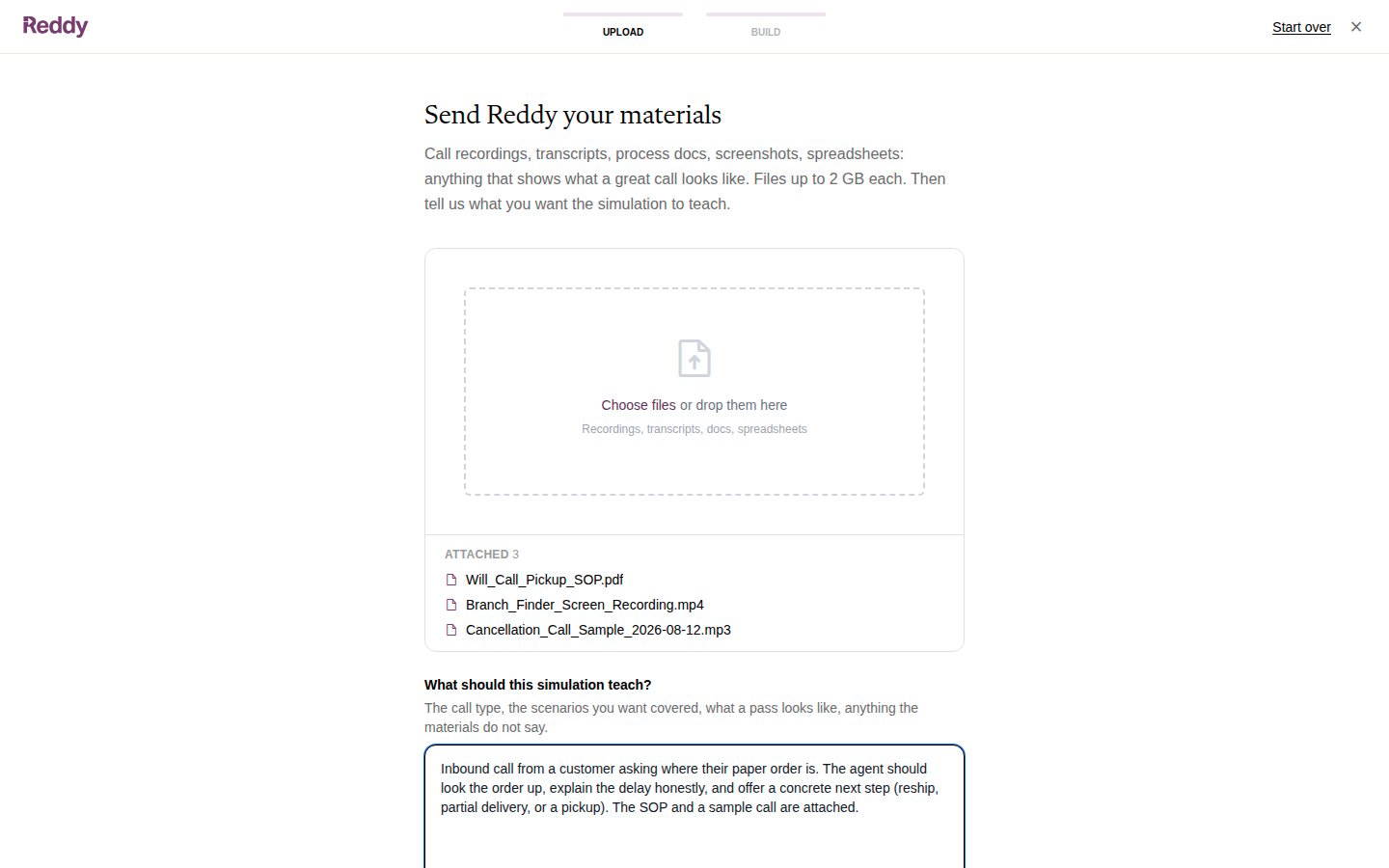
3
Send to Reddy
Click Send to Reddy. The request goes to the team with your materials and your description.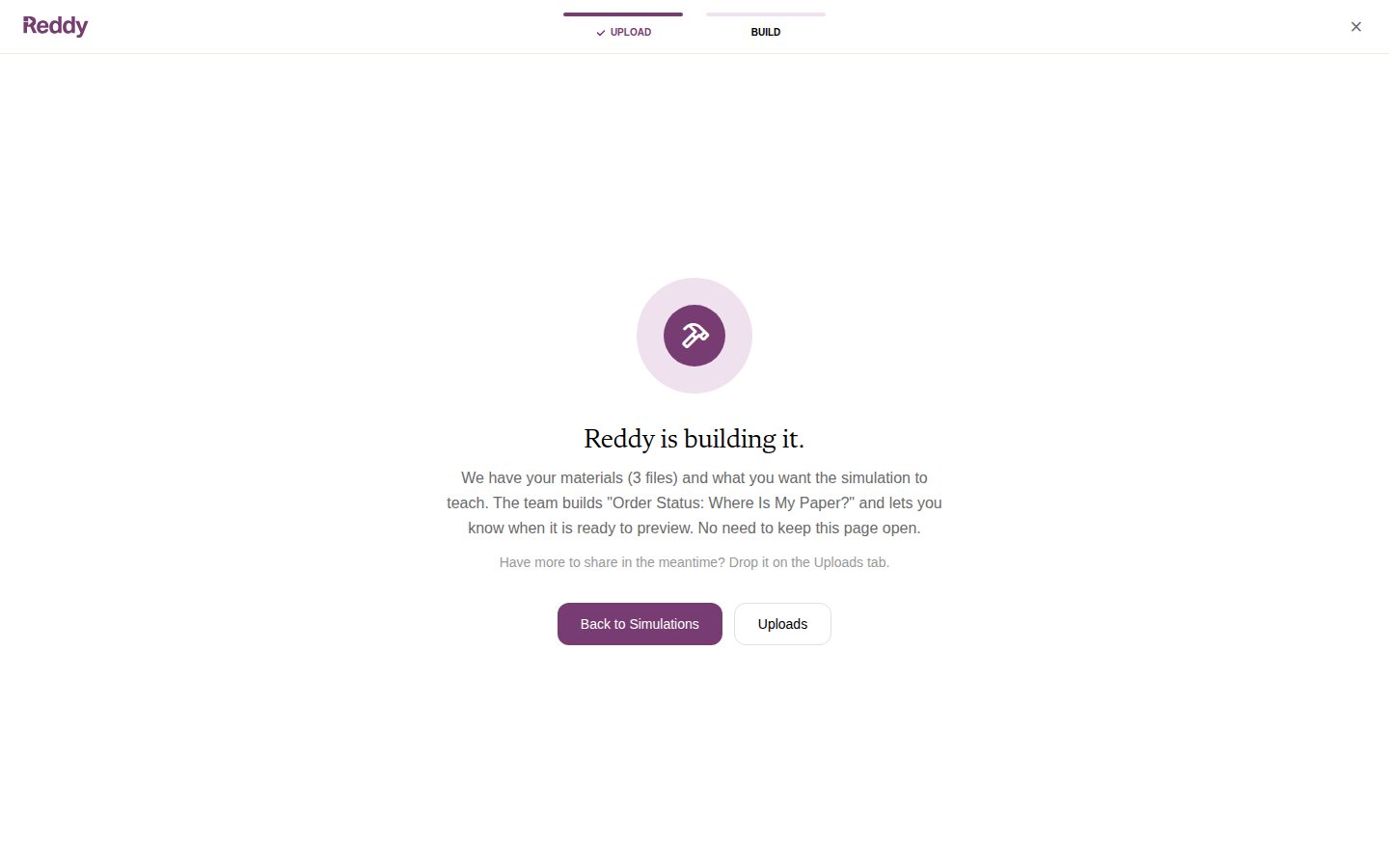
What happens next
- Reddy builds the simulation from your materials and notifies you when it is ready to preview.
- The simulation appears in your list like any other. Open it for its scenarios, add it to a course, and preview it as a trainee would.
- If you want testers on it before trainees, ask your Reddy contact to set up a testing program for it. From there it follows the same testing rounds as a mini module: testers play it, Reddy reads their feedback, and every change is approved by you before it ships.
FAQ
What file types can I send?
What file types can I send?
Recordings (audio and video), transcripts, PDFs, Word documents, screenshots and spreadsheets. Each file can be up to 2 GB.
Can I see or play back the files I uploaded?
Can I see or play back the files I uploaded?
Your files are listed by name on the request and later on the simulation’s Changes tab, so you can see what Reddy worked from. They cannot be downloaded or played back from those pages.
Can I add materials after I have sent the request?
Can I add materials after I have sent the request?
Yes. Use the Uploads tab. If you open it from the simulation’s page, the uploads are attached to that simulation.
How long does a build take?
How long does a build take?
Longer than a mini module, because the team builds the on-screen systems as well as the call. Reddy notifies you when it is ready to preview.