

Getting Started
1
Open your browser
Launch Chrome or Edge browser on your computer.
2
Navigate to Reddy
Go to app.reddy.io in your browser.
3
Enter your email address
Enter your company email address including the domain (e.g., 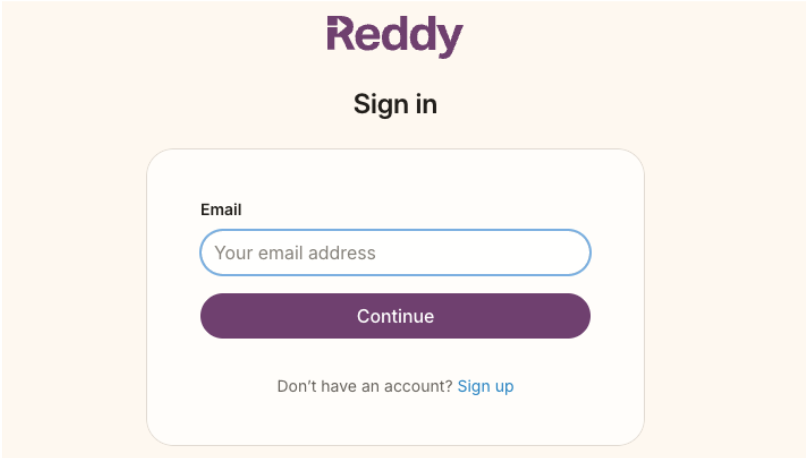
user@companyname.com).4
Handle SSO authentication
Your company’s Single Sign On (SSO) may take over the login process. If it does:
- Login via your normal process - Follow your company’s standard SSO flow
- If you’re already logged in - You’ll be taken directly to your dashboard
5
Welcome to Reddy!
Once authenticated, you’ll be redirected to the appropriate section of the platform based on your role:
- Reddy Dashboard (for Admins and Managers)
- Mic Check + LMS (for Agents)
You’re now successfully logged in to Reddy and ready to start using the platform.
Next Steps
After logging in successfully:- Admins and Managers: Start by exploring the dashboard and configuring your settings
- Agents: Complete the mic check and begin your first LMS session
Need help with your account or experiencing login issues? Contact your system administrator or Reddy support team.