

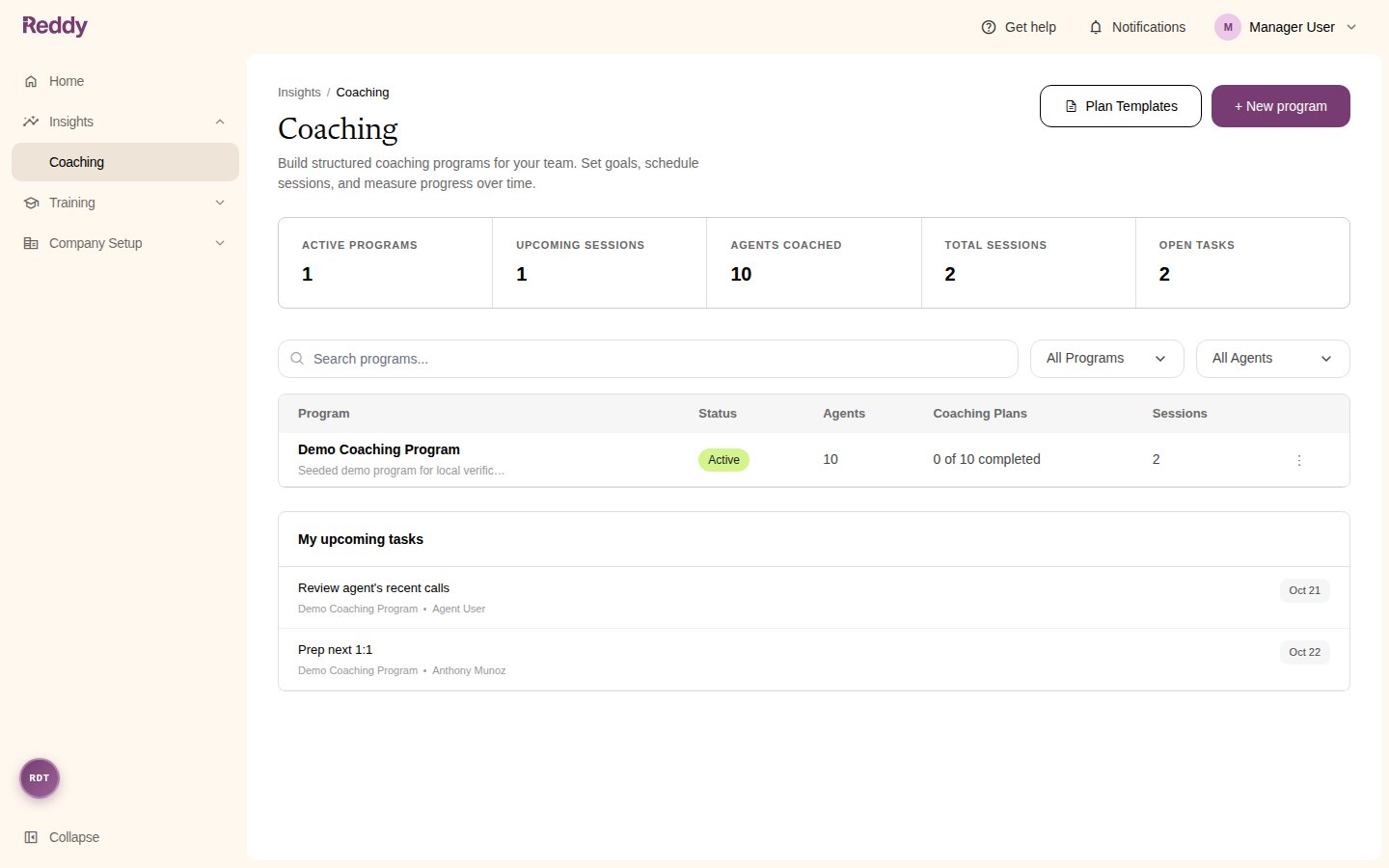
Coaching is enabled per company. If you do not see Coaching in the left navigation, ask your Customer Success Manager to turn it on.
Where to find it
- Managers and admins: open Insights > Coaching in the left navigation.
- Agents: open Coaching in the left navigation. See Your Coaching (for agents).
How the pieces fit together
The typical flow
1
Create a program
Name it, pick a start date, choose the audience, set goals, and build the plan. See Creating a Coaching Program.
2
Publish it
Programs start as drafts. Publishing makes the program visible to agents, schedules the plan’s sessions and tasks, and notifies each agent.
3
Coach
Run sessions, work through tasks, and follow each agent’s goal progress on their page. See Coaching Sessions.
4
Review and close out
Mark agents completed when their plan is done, or archive the program when it ends. See Managing Programs.
Who can do what
Managers only ever see agents in their own reporting line. Admins see everyone.
Notifications
Coaching sends in-app notifications (the bell at the top of the page). It does not send emails or calendar invites. Agents are notified when:- They are enrolled in a published program
- A goal is set or changed for them
- A session is scheduled, rescheduled, cancelled, or logged
- Their coaching plan changes