

Access Methods
From Manager Dashboard
1
Open Settings
Click your name at the bottom of the left navigation panel.
2
Access Agent View
Click “Student Dashboard” to switch to the agent dashboard.
3
Complete Microphone Check
Complete the microphone check to access the agent dashboard.
Direct URL
Navigate directly to app.reddy.io/student_dashboard.Log in with your normal credentials (SSO or email/password) to access the agent dashboard.
Test Training Content
Once you’re in the agent dashboard, click into a lesson to begin simulating the agent experience.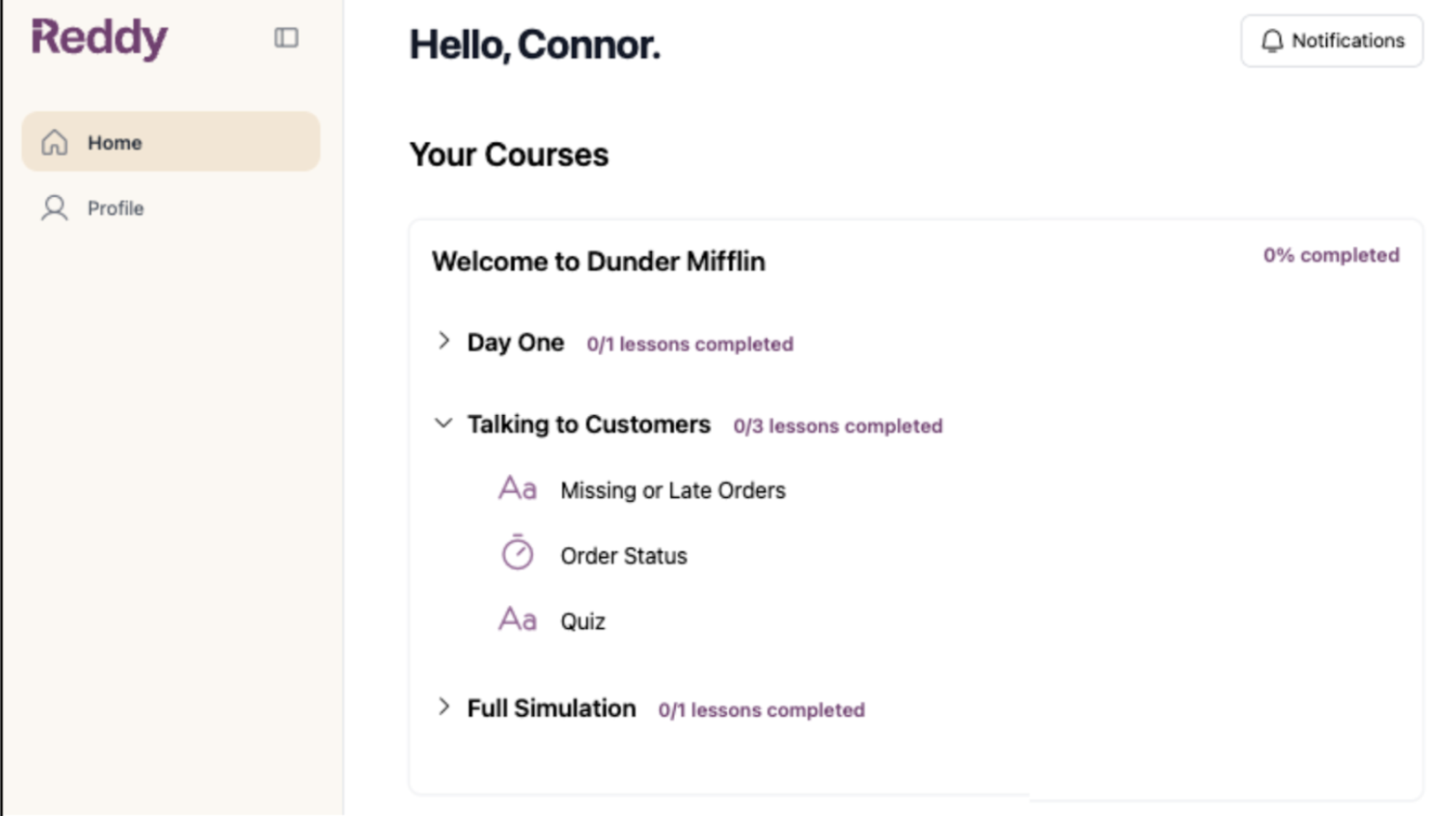
Course Visibility:
- Admins see all product courses available in the LMS
- Managers only see courses assigned to their profile