

Archiving a User
Find User
Search for the user on the Employees page. Click their name, then click the archive icon in the top-right corner of the agent side panel.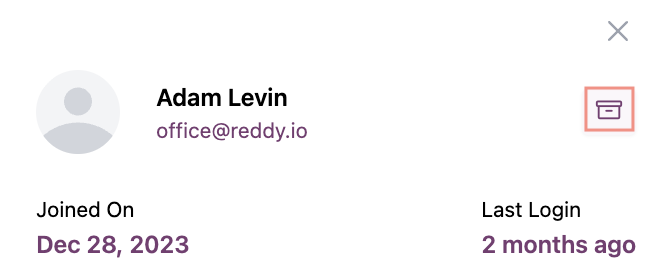
Unarchiving a User
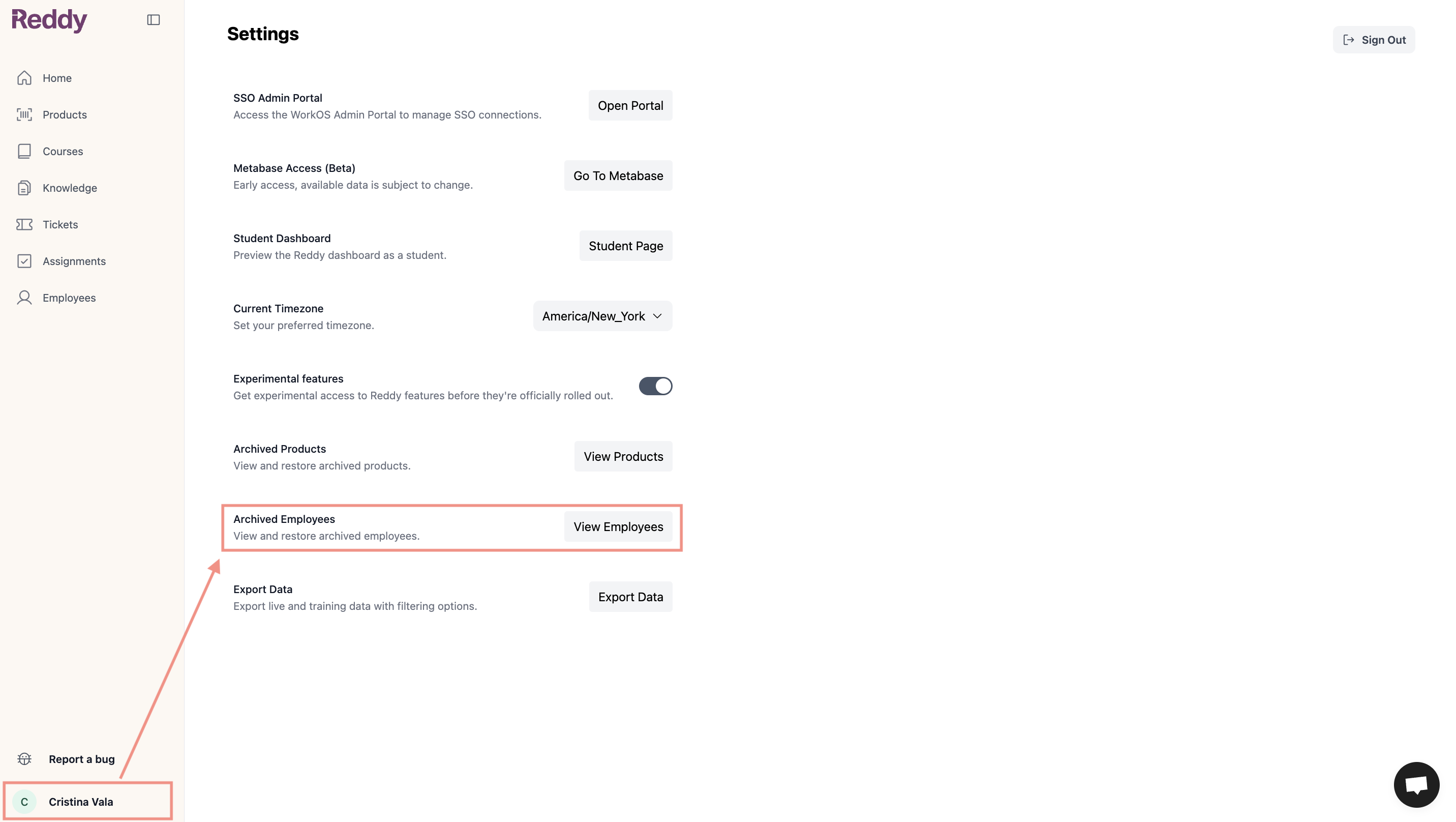
The user regains access with their previous role and permissions.
FAQ
Can archived users still log in?
Can archived users still log in?
No. Archived users cannot log in to Reddy. Their profiles and data are filtered out of all dashboards.
What happens to archived user data?
What happens to archived user data?
All historical data is preserved in the system including call recordings, performance metrics, reports, and training history. However, archived user data is filtered out of all dashboards and will not appear in reports or analytics.