> ## Documentation Index
> Fetch the complete documentation index at: https://docs.reddy.io/llms.txt
> Use this file to discover all available pages before exploring further.
# Navigate to Agent Dashboard
> How to simulate an agent's Reddy experience
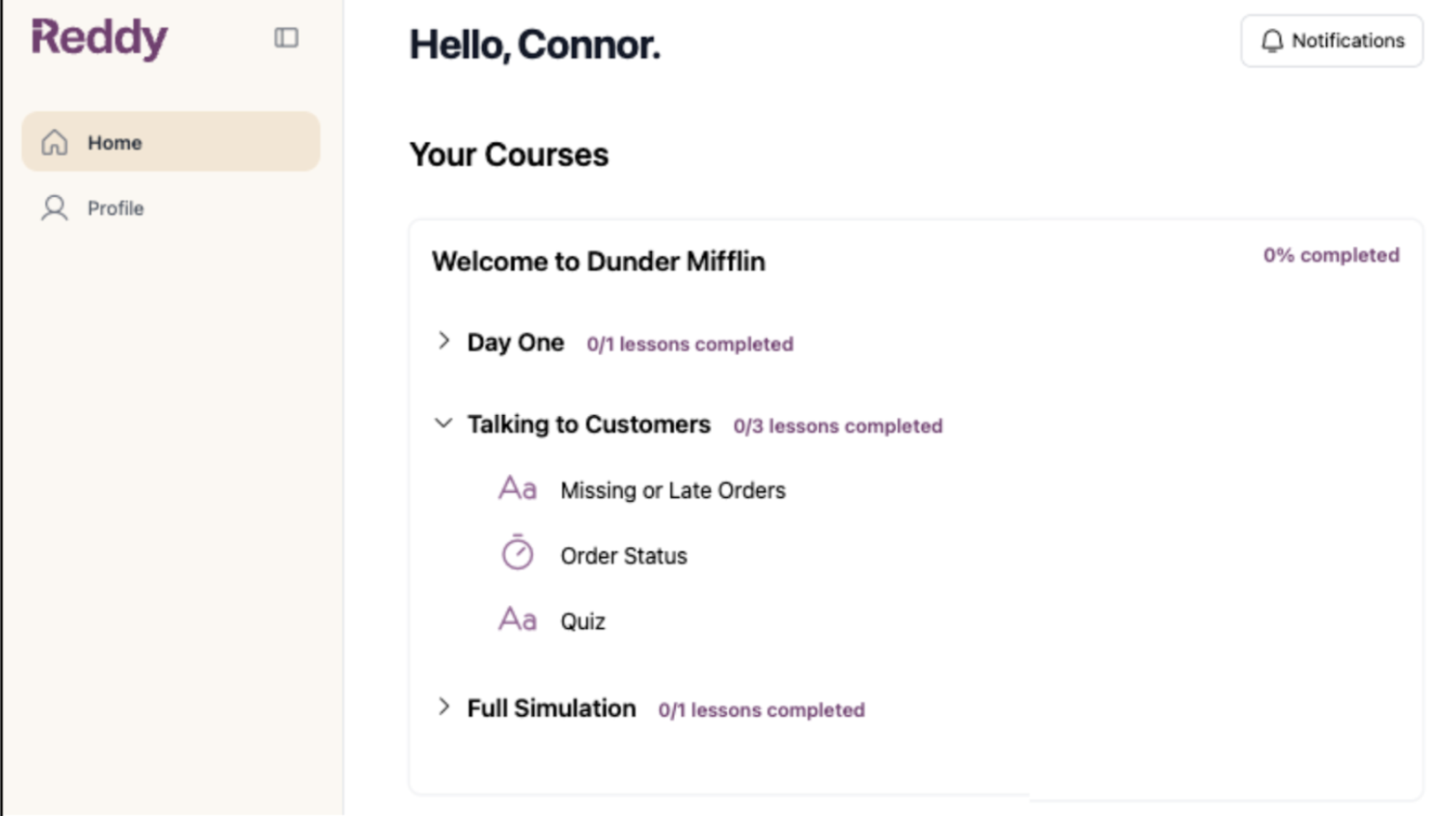
Access the agent dashboard to preview training content before launching it to your team. Experience exactly what agents will see and validate content accuracy from their perspective.
## Access Methods
### From Manager Dashboard
Click your name at the bottom of the left navigation panel.
 Click **"Student Dashboard"** to switch to the agent dashboard.
Complete the microphone check to access the agent dashboard.
### Direct URL
Navigate directly to [app.reddy.io/student\_dashboard](https://app.reddy.io/student_dashboard).
Log in with your normal credentials (SSO or email/password) to access the agent dashboard.
## Test Training Content
Once you're in the agent dashboard, click into a lesson to begin simulating the agent experience.
Click **"Student Dashboard"** to switch to the agent dashboard.
Complete the microphone check to access the agent dashboard.
### Direct URL
Navigate directly to [app.reddy.io/student\_dashboard](https://app.reddy.io/student_dashboard).
Log in with your normal credentials (SSO or email/password) to access the agent dashboard.
## Test Training Content
Once you're in the agent dashboard, click into a lesson to begin simulating the agent experience.
 **Course Visibility:**
* **Admins** see all product courses available in the LMS
* **Managers** only see courses assigned to their profile
If you're a manager and can't see a specific course, request assignment from an admin.
[Product and course assignment guide](/manual/team-management/assigning_products_and_managers)
**Course Visibility:**
* **Admins** see all product courses available in the LMS
* **Managers** only see courses assigned to their profile
If you're a manager and can't see a specific course, request assignment from an admin.
[Product and course assignment guide](/manual/team-management/assigning_products_and_managers)