> ## Documentation Index
> Fetch the complete documentation index at: https://docs.reddy.io/llms.txt
> Use this file to discover all available pages before exploring further.
# Archive Users
> How to archive user accounts and manage access removal in Reddy
Only Admins can archive users.
## Archiving a User
Click **Employees** in the left navigation.
Search for the user on the Employees page. Click their name, then click the archive icon in the top-right corner of the agent side panel.
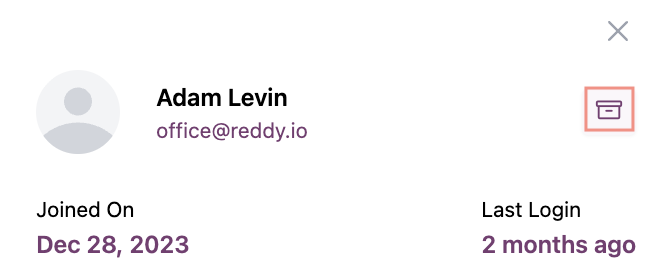 Confirm the action to archive the user.
## Unarchiving a User
Go to **Settings** → **Archived Employees** → **View Employees**.
Confirm the action to archive the user.
## Unarchiving a User
Go to **Settings** → **Archived Employees** → **View Employees**.
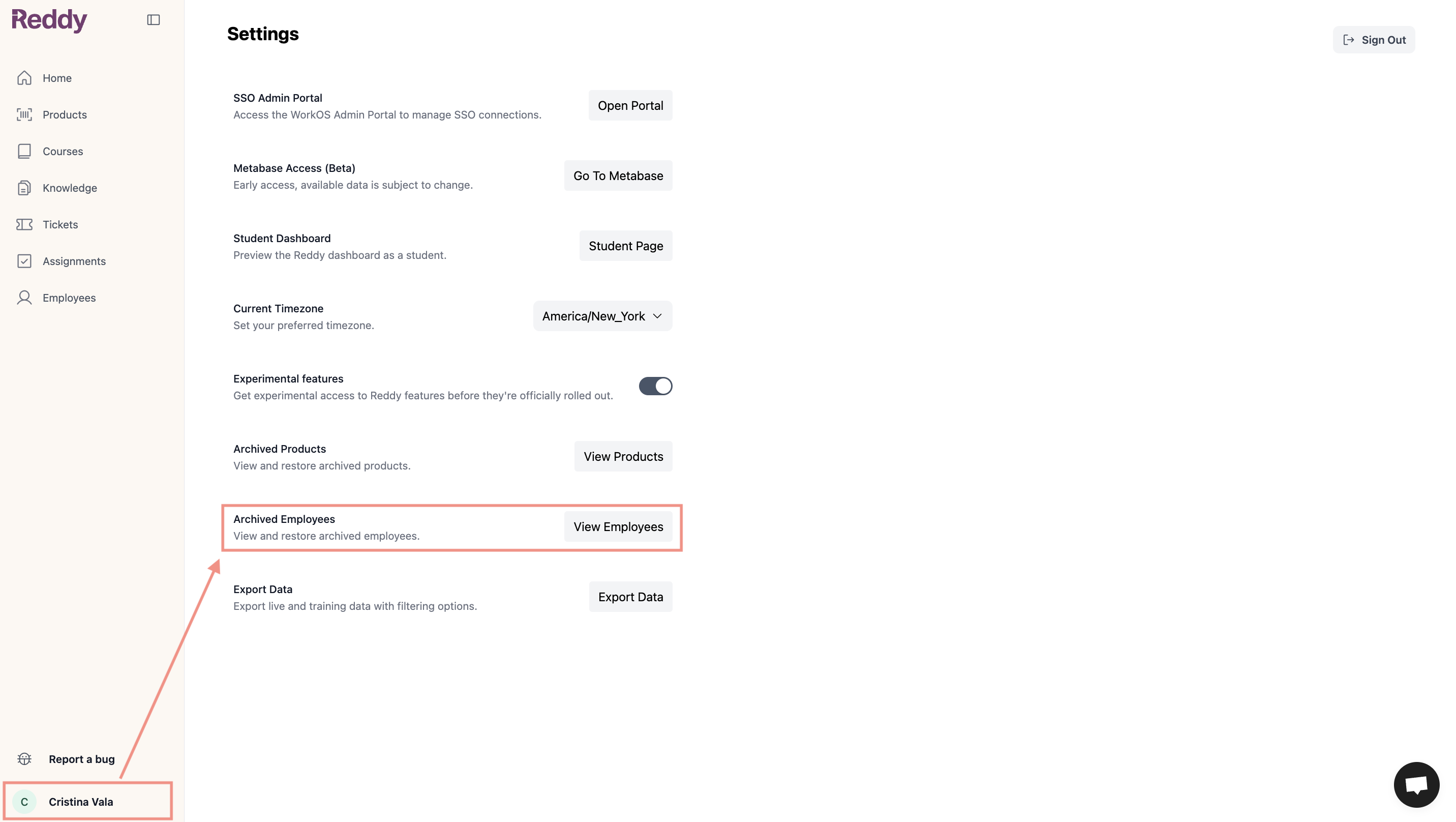 Find the user and restore with a single click.
The user regains access with their previous role and permissions.
## FAQ
No. Archived users cannot log in to Reddy. Their profiles and data are filtered out of all dashboards.
All historical data is preserved in the system including call recordings, performance metrics, reports, and training history. However, archived user data is filtered out of all dashboards and will not appear in reports or analytics.
Find the user and restore with a single click.
The user regains access with their previous role and permissions.
## FAQ
No. Archived users cannot log in to Reddy. Their profiles and data are filtered out of all dashboards.
All historical data is preserved in the system including call recordings, performance metrics, reports, and training history. However, archived user data is filtered out of all dashboards and will not appear in reports or analytics.