> ## Documentation Index
> Fetch the complete documentation index at: https://docs.reddy.io/llms.txt
> Use this file to discover all available pages before exploring further.
# QA Setup
> How to set up QA items for automatic AI grading in the Reddy platform
Click on the **Products** tab on the left side menu.
Click on a product to open the product page.
Click the **"Quality Assurance"** box at the top of the page.
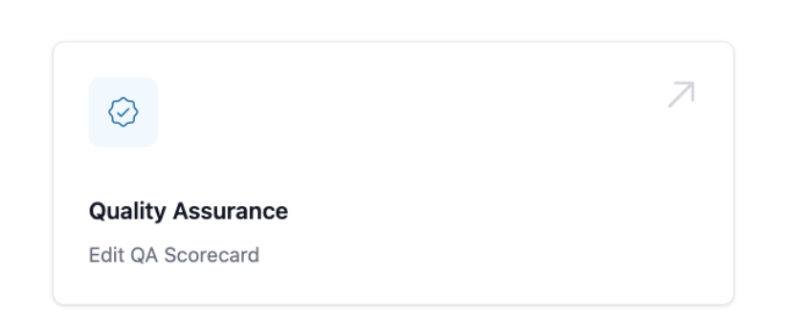 From here you can edit the QA items for this specific product.
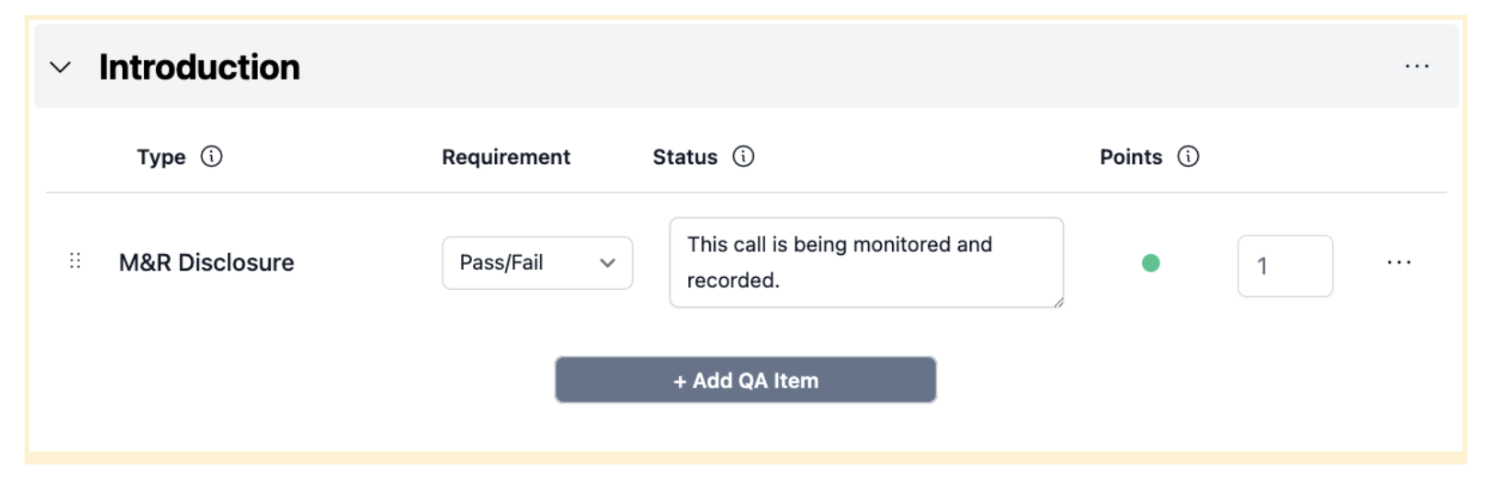 Use **"+Add section"** to create a new section on the QA scorecard.
Set up each QA item with the following options:
* **Title**: Click on the name of the QA to edit it, click the check mark to save
Use **"+Add section"** to create a new section on the QA scorecard.
Set up each QA item with the following options:
* **Title**: Click on the name of the QA to edit it, click the check mark to save
 * **Type**:
* *Pass/Fail*: Grading determines only success or failure
* *Score*: Provides a grade based on performance quality
* **Requirement**: Explain each requirement in detail - Reddy AI will transform this into an AI-driven QA
* **Status**:
* **Green**: QA is up and running
* **Yellow**: Reddy AI needs to update before it will be live
* **Points**: Determine how many points each QA item is worth
* **Organize**: Use the :: drag symbol to reorder QA items and move them between sections
Reddy AI automatically transforms your detailed requirements into intelligent grading criteria that evaluates agent performance during simulations.
Start with clear, specific requirements to get the most accurate AI grading results.
* **Type**:
* *Pass/Fail*: Grading determines only success or failure
* *Score*: Provides a grade based on performance quality
* **Requirement**: Explain each requirement in detail - Reddy AI will transform this into an AI-driven QA
* **Status**:
* **Green**: QA is up and running
* **Yellow**: Reddy AI needs to update before it will be live
* **Points**: Determine how many points each QA item is worth
* **Organize**: Use the :: drag symbol to reorder QA items and move them between sections
Reddy AI automatically transforms your detailed requirements into intelligent grading criteria that evaluates agent performance during simulations.
Start with clear, specific requirements to get the most accurate AI grading results.